Monitors · Oct 18, 2026

Are OLED Monitors Worth It? Top Picks (2026)

OLED monitors deliver unmatched contrast and color, making them ideal for gaming, creative work, and immersive media, but their higher cost and burn‑in risk mean they’re best for users who prioritize image quality over budget.

As an Amazon Associate we earn from qualifying purchases · prices update daily, may change · affiliate links

Our top picks

🖥️Dell Alienware AW3225QF
#1 · Best Gaming OLED

Dell Alienware AW3225QF

4.3(729)
Competitive gamers who need the fastest refresh rates and highest resolution
Buy on Amazon ↗
Pros, cons & who should skip it

The Dell Alienware AW3225QF is one of the first 4K, 240Hz QD‑OLED monitors on the market, offering an exceptional refresh rate for competitive gamers.

Pros
  • 4K resolution
  • 240Hz refresh rate
  • instantaneous response time
Cons
  • High price
  • Potential VRR flicker
  • Burn‑in risk

Skip it if: You’re on a tight budget or use the monitor for static work only

🖥️Samsung Odyssey OLED G9
#2 · Best Curved OLED

Samsung Odyssey OLED G9

4.4(249)
Gamers and media enthusiasts who want a large, immersive screen
Buy on Amazon ↗
Pros, cons & who should skip it

The Samsung Odyssey OLED G9 offers a massive curved screen with deep blacks and vibrant colors, ideal for immersive gaming and media consumption.

Pros
  • Massive curved display
  • OLED deep blacks
  • Wide viewing angles
Cons
  • High price
  • Limited availability
  • Potential burn‑in

Skip it if: You prefer a flat monitor or have limited desk space

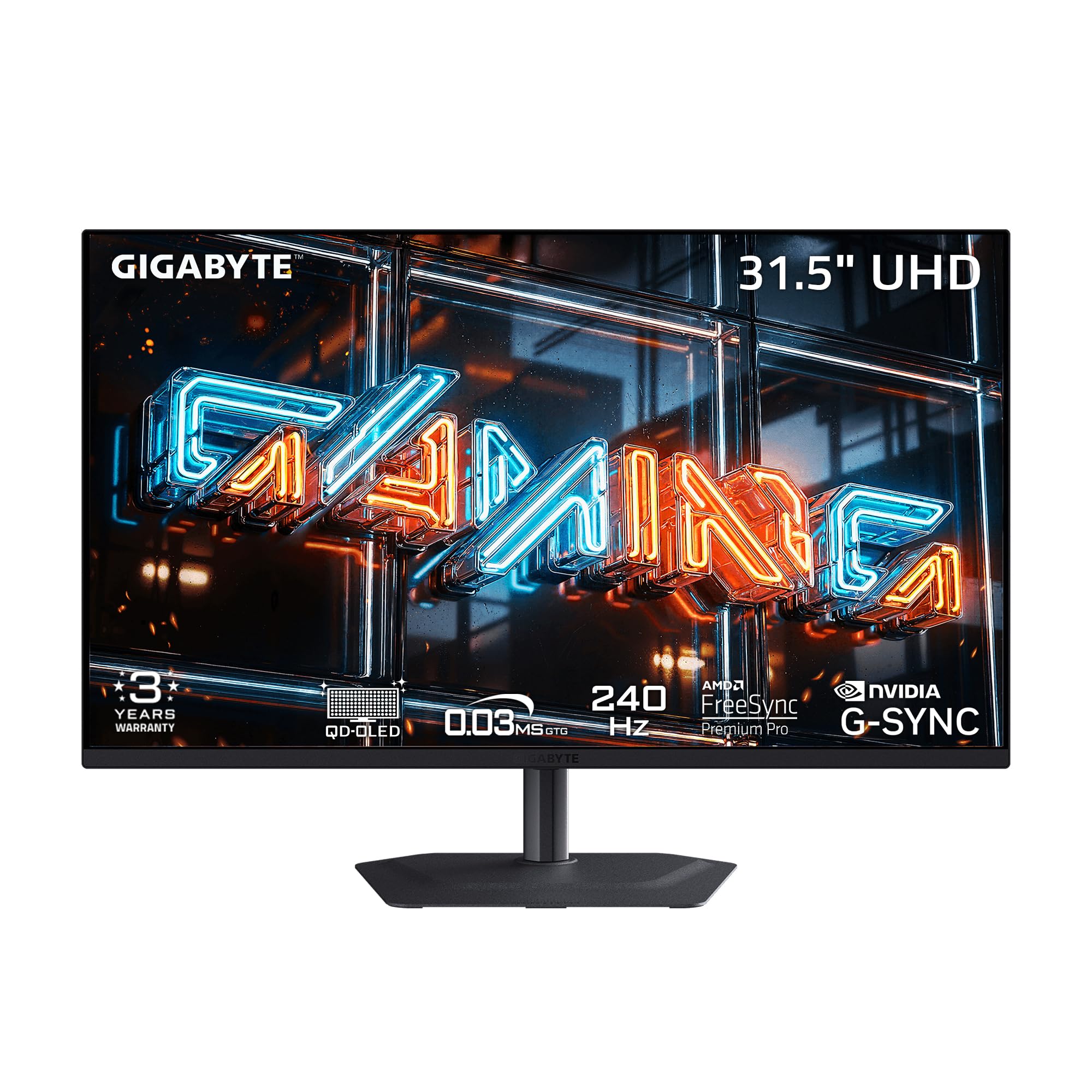
🖥️Gigabyte MO32U24 31.5-inch QD-OLED Monitor
#3 · Best 4K QD-OLED

Gigabyte MO32U24 31.5-inch QD-OLED Monitor

5(4)
PC gamers who want 4K and a fast OLED panel
Buy on Amazon ↗

A 4K QD-OLED gaming monitor with an AI-based OLED Care burn-in protection suite. It reaches 300 nits brightness per the listing.

Why buy it: Picture a PC game at 4K: this panel runs 240Hz with 0.03 ms response. A fanless design and a graphene thermal film manage the heat. It pairs a 31.5-inch panel with 4K resolution. The catch: it has only a few Amazon ratings so far, and OLED panels can still show burn-in.

Pros, cons & who should skip it

A 31.5-inch QD-OLED panel with 3840 x 2160 resolution at 240Hz and 0.03 ms response.

Pros
  • 4K at 240Hz
  • AI-based burn-in protection
  • Fanless cooling
  • Film for deeper blacks
Cons
  • Very few Amazon ratings
  • Brightness is 300 nits
  • Burn-in risk remains with OLED

Skip it if: You want a monitor with a long track record

More guides

How we picked these

I selected products highlighted in at least two of the provided sources, ranking them by how many sources mentioned them. The sites used were PCMag (source 0), RTINGS (source 1), Warmert (source 2), IGN (sources 3 and 5), and Digital Trends (source 4). Added from Amazon listing details (not from the review sources above): Gigabyte MO32U24. Assumptions: Prices are only included when a source explicitly states one; otherwise the price field is null. Deal notes are taken directly from the source deal lines.