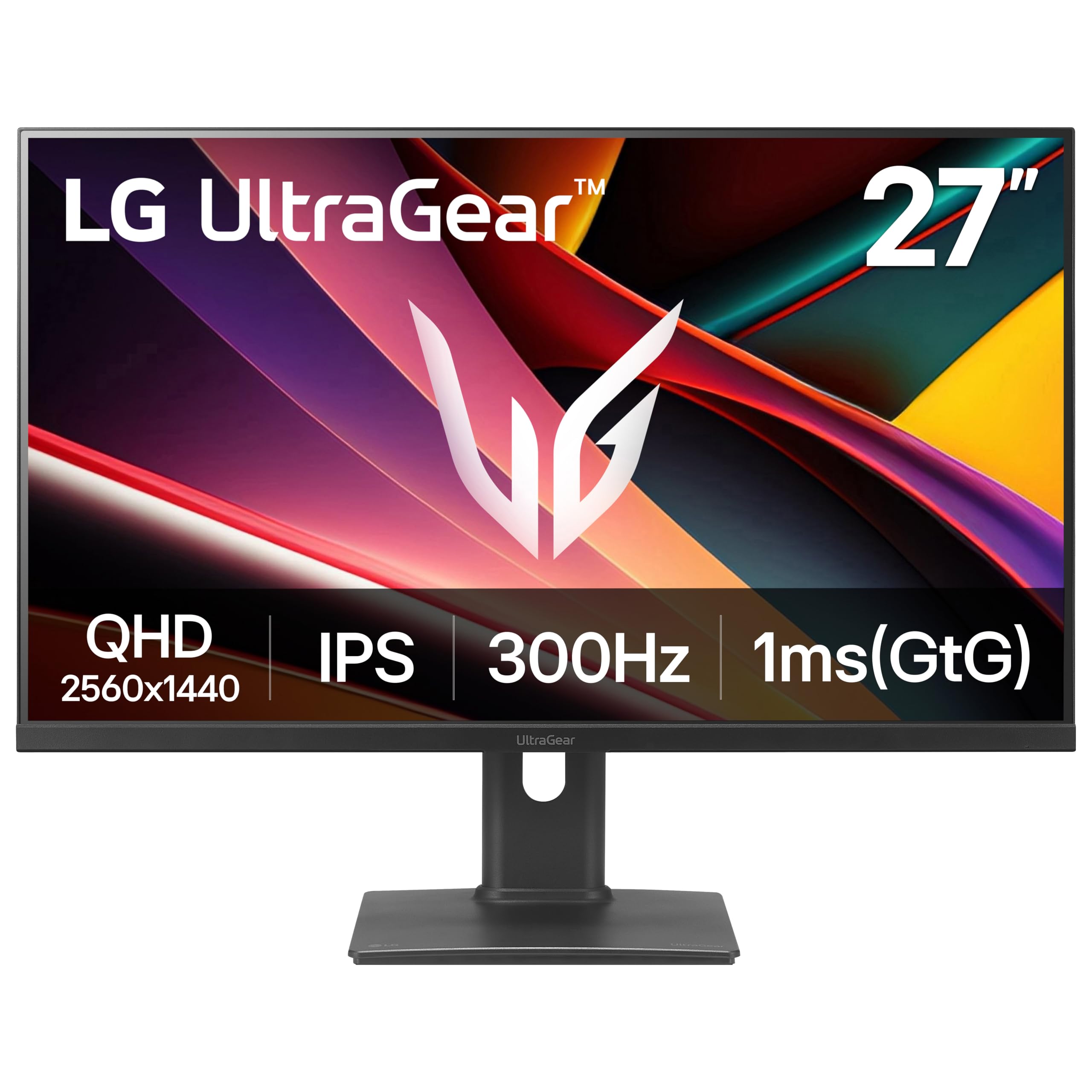
Best for: Competitive PC gamers who want 1440p and a very fast screen on a budget.
PC Gamer lists the UltraGear G6 at $209.99, which is $190 or 48% off its $399.99 list price. That is the biggest percentage cut in this guide. You get a 27-inch 1440p IPS panel with a 300Hz refresh rate and a 1ms response time.
Pros
48% off list price
Very fast 300Hz refresh rate
Sharp 1440p resolution
Cons
300Hz only pays off if your PC reaches very high frame rates
Reported at Best Buy, so check Amazon for the same model
Skip it if: your PC or console cannot reach high frame rates, or you want an OLED screen.
Deal tip: This deal was reported at Best Buy, not Amazon. Compare both stores for the exact model before you buy.
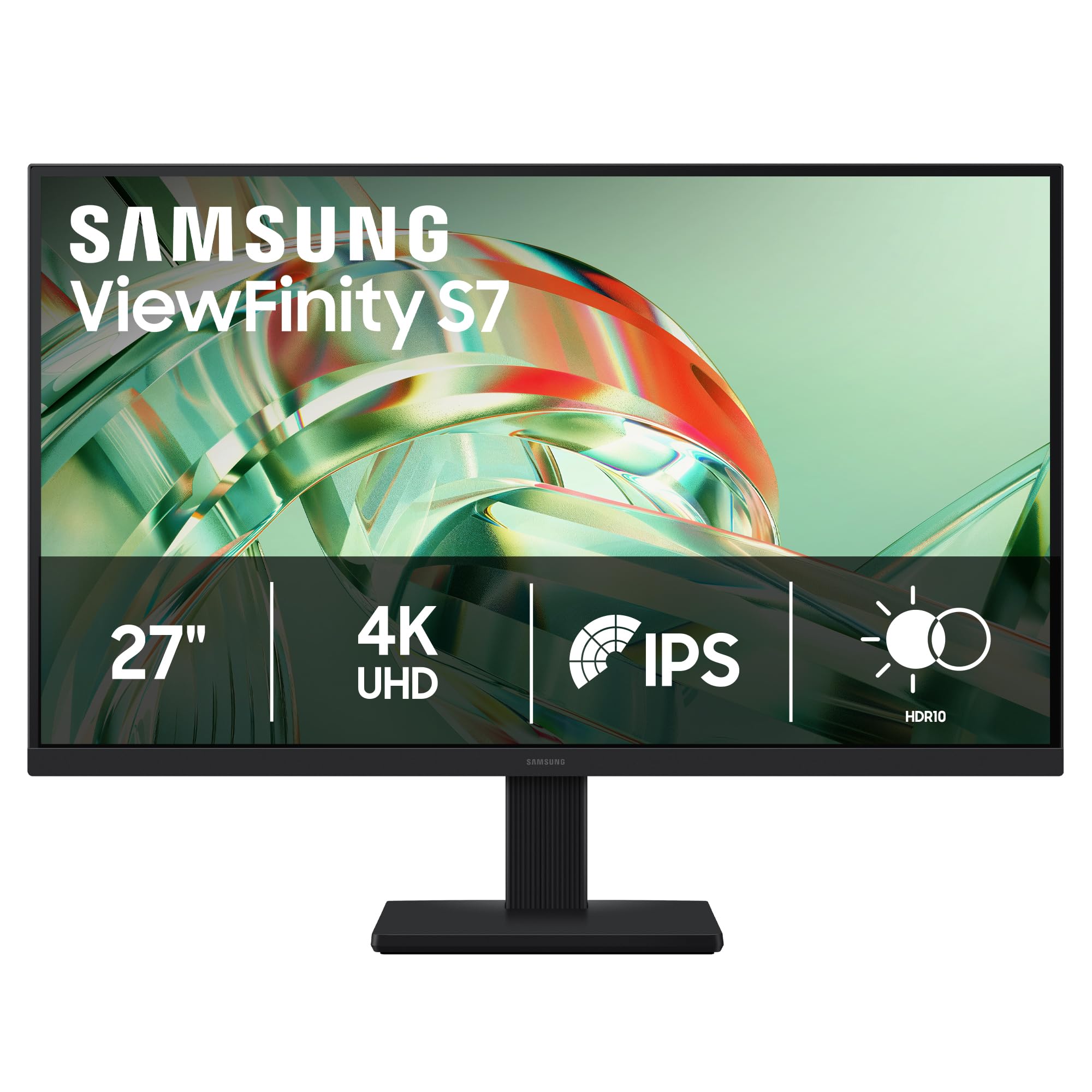
Best for: Anyone who wants a sharp 4K screen for work, browsing and streaming on the smallest budget.
The ViewFinity S7 is the lowest price in AppleInsider's group of five 4K monitors, at 32% off its list price. You get a 27-inch 4K IPS panel for well under $200, which is a sharper picture than most 1080p monitors at this price.
Pros
Lowest 4K price in the roundup
Sharp 4K IPS panel
Eye Saver Mode for long sessions
Cons
Stand does not adjust for height
Only 60Hz
No USB-C connection listed
Skip it if: you want a high refresh rate for gaming, or a stand you can raise and lower.
Deal tip: AppleInsider lists this as a Prime-exclusive offer on Oct 6, so the price may be higher if you are not a Prime member. Check the live price before you buy.
Best for: Gamers and movie fans who want the deep blacks and fast response of an OLED without a $600+ price.
The Odyssey G50SF is a 27-inch QD-OLED gaming monitor at 24% off, or $120.99. PC Gamer says an OLED panel with 1440p resolution and 180Hz for this price makes it one of the best-priced QD-OLED monitors around.
Pros
OLED picture at a low price
Fast 180Hz refresh rate
0.03ms response time
Cons
PC Gamer says it was cheaper recently
Best Buy listed it at $449, so prices vary by store
Skip it if: you work with static content for many hours a day, or you want a cheaper LCD.
Deal tip: The price moves between stores, $379 at Amazon versus $449 at Best Buy on Oct 14. If it drops further closer to Black Friday, that is the one to grab.
Best for: One monitor for work, streaming and some gaming without paying for a premium model.
The Dell S2725QS is the only 4K monitor in AppleInsider's group that reaches 120Hz, which is twice the refresh rate of the Samsung and KTC models. That makes scrolling and moving windows feel smoother, and it also helps in games.
Pros
120Hz at 4K for a smooth screen
Fully adjustable stand
Built-in speakers
FreeSync Premium for gaming
Cons
350 nits is modest brightness on paper
Costs about $59 more than the cheapest 4K pick
Skip it if: you only need basic office use, or you want USB-C charging from a laptop.
Deal tip: It is $70 below its $299.99 list price in the Oct 6 Prime sale. Make sure you are looking at the S2725QS, since Dell sells several similar model numbers.
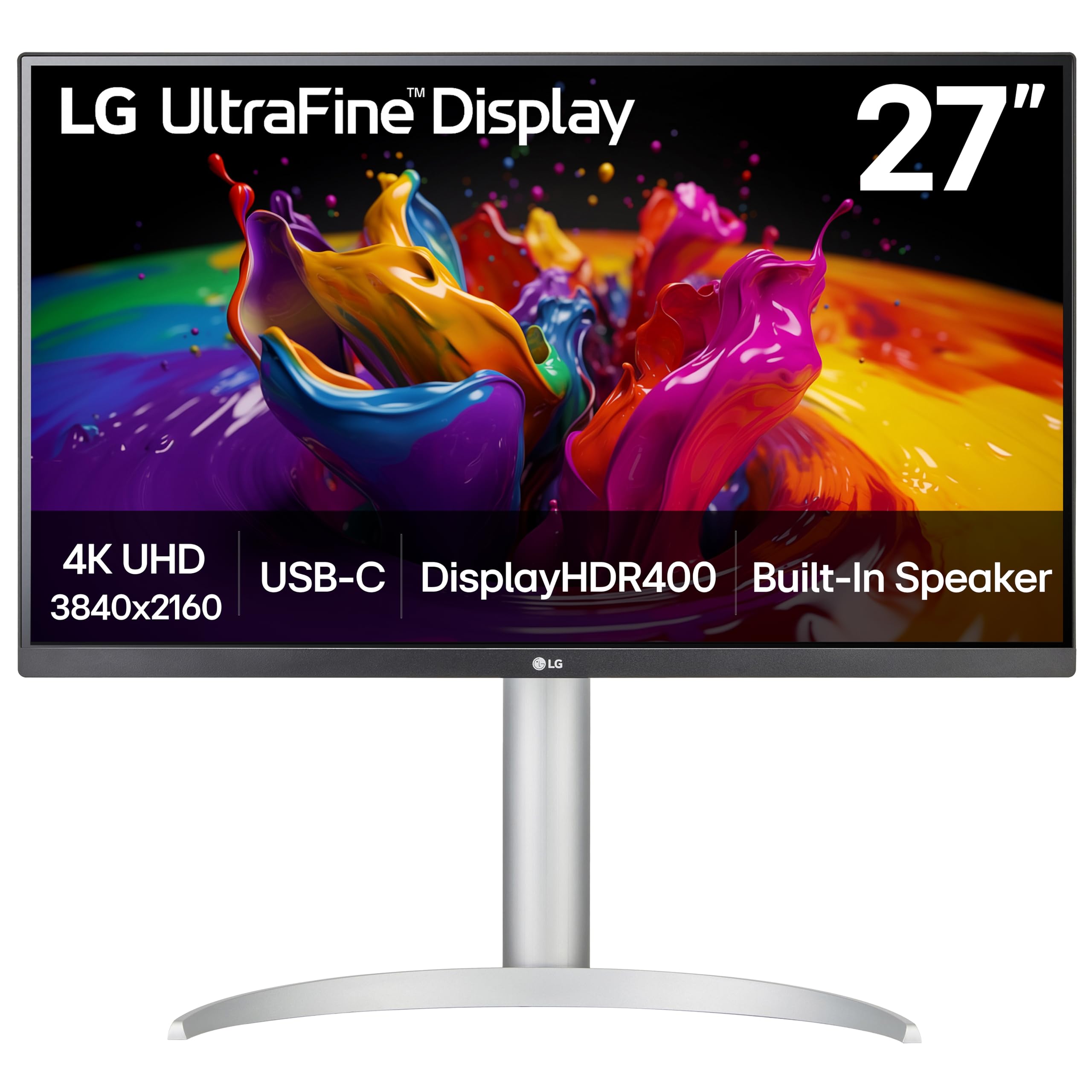
Best for: MacBook and laptop users who want one cable for video, power and USB devices.
The LG 27UP850K-W stands out for connectivity. It has a USB-C port that carries video and up to 90W of power, so a compatible laptop can show on the screen and charge over one cable. AppleInsider calls it the strongest laptop connection in the group.
Pros
One-cable USB-C setup with 90W charging
Wide color coverage
Adjustable stand
Extra USB ports
Cons
Costs the most of the 4K picks here
Not meant for fast gaming
Skip it if: you use a desktop PC with no USB-C, or you mainly want to game.
Deal tip: It is 20% off at $279.99 in the Oct 6 Prime sale. Check that your laptop's USB-C port supports video output and charging before you buy.
How to spot a real monitor deal
Compare with the lowest recent price, not the crossed-out list price. A big percentage off an inflated list price is not always a bargain.
Match the exact model number. Monitor names are close to each other, so check the full model before you buy, as with the Dell S2725QS above.
Pick resolution before refresh rate. A sharp 1440p or 4K panel is a bigger everyday upgrade than a very high refresh rate, unless you play competitive games.
Check the ports. If you want one cable to charge a laptop, you need USB-C with power delivery. Not every monitor has it.
Check the return window before you buy, since a monitor is easier to judge once it is on your own desk.
FAQ
When is Black Friday 2026?
Black Friday is Friday, November 27, 2026, and Cyber Monday is Monday, November 30.
Should I buy now or wait for Black Friday?
Some monitor prices in this guide were already low in October's Prime sale. If a monitor you want is at a price you are happy with, buying now is reasonable. Prices can also drop further closer to Black Friday, so check again before the sale.
Are 4K monitors worth it?
For work, browsing and streaming, 4K text looks noticeably sharper. For gaming, a 4K screen needs a stronger PC than 1440p, so 1440p is the easier choice if you are on a budget.
Is OLED worth paying extra for?
OLED screens give deeper blacks and very fast response, which gamers and movie fans like. They cost more than most LCD monitors, so decide if the picture quality is worth it for you.
Is the Amazon price the same as Best Buy?
Not always. The LG UltraGear G6 deal was reported at Best Buy, and the Odyssey G50SF was higher at Best Buy than Amazon. Use the Amazon button to compare the current price and exact model.
Picks and prices come from AppleInsider's Oct 6, 2026 Prime Big Deal Days monitor roundup and PC Gamer's gaming monitor deals page, updated Oct 14, 2026. Each price is what those outlets reported at the retailer named. Prices change often and some Amazon deals were Prime-only, so treat each one as a price to beat, not a promise. The Amazon buttons open the product or search for the model, so check the exact model before you buy. Assumptions: no price is guaranteed on Black Friday itself. We will update this guide when real Black Friday deals go live.
 -48%