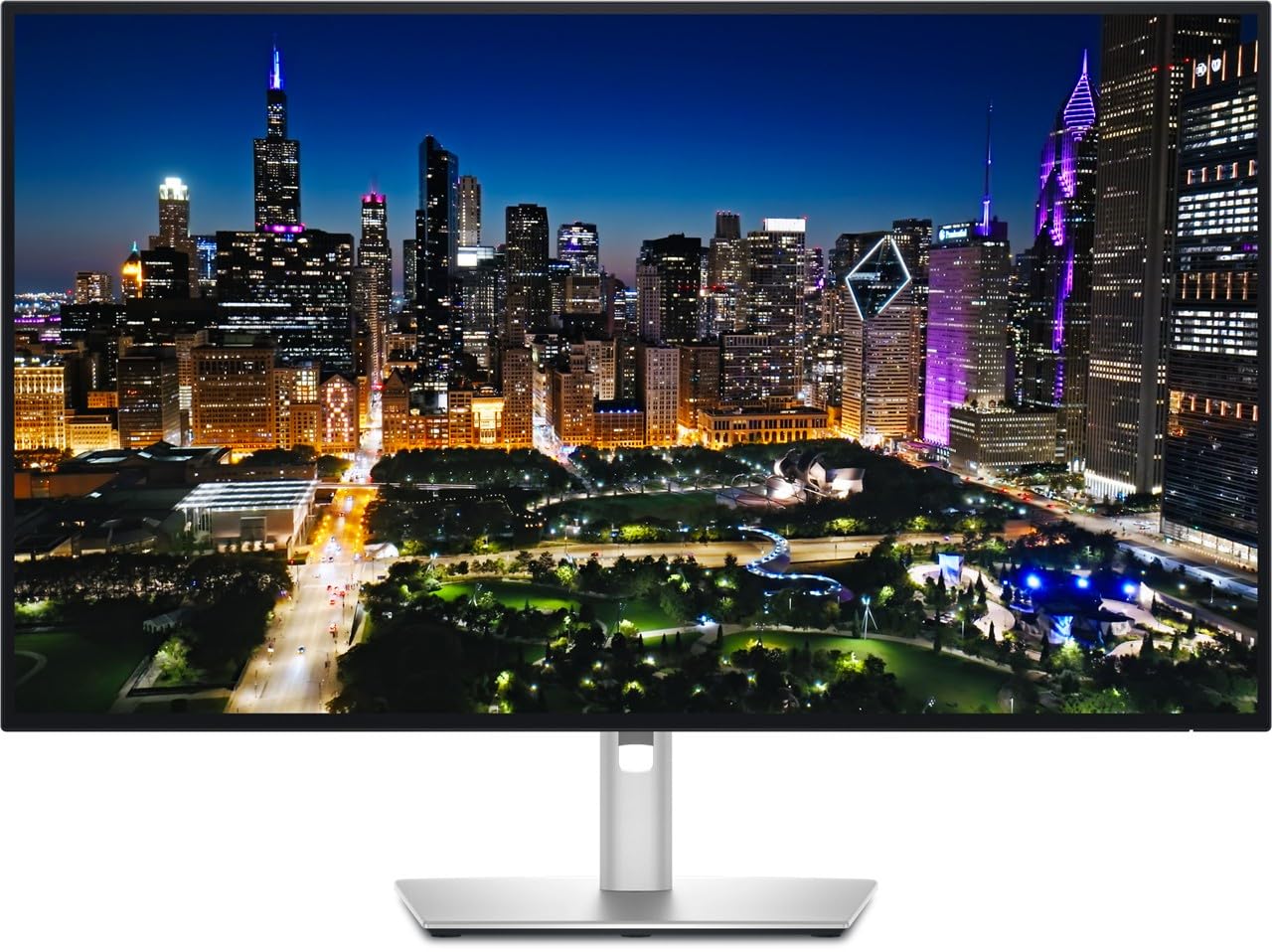
The Dell UltraSharp U3225QE is our top pick for a one-screen home office, with the Acer Vero B247Y G for tight budgets and the Asus ProArt PA279CRV for affordable 4K.
As an Amazon Associate we earn from qualifying purchases · prices update daily, may change · affiliate links
Our top picks
🖥️
#1 · Best overall
Dell UltraSharp U3225QE
★★★★★4.6(133)
People who want one big, sharp screen that also docks a laptop
PCWorld names it the best home office monitor overall. The 31.5-inch 4K IPS Black panel gives sharp text, and a 120Hz refresh rate makes scrolling through documents and spreadsheets feel smoother than on typical 60Hz office screens.
Pros
Sharp 4K text
One-cable laptop charging and docking
120Hz feels responsive
Professional design
Cons
Contrast still trails VA and OLED panels
HDR is limited
No built-in speakers
Not cheap
Skip it if: You only need a basic screen for email and a budget under $200
🖥️
#2 · Best budget
Acer Vero B247Y G
★★★★★5(1)
Budget buyers who want a comfortable, versatile main screen
PCWorld's best budget home office monitor. For about $150 it gets a 24-inch 1080p IPS panel, a 120Hz refresh rate with adaptive sync and a stand that adjusts for height, tilt, swivel and pivot.
Pros
Great value for the features
Excellent ergonomic stand
Easy-to-use menus
120Hz is rare at this price
Cons
No USB ports
Only one HDMI and one DisplayPort
Cable management is basic
Skip it if: You want USB-C charging or a docking monitor
🖥️
#3 · Best 1440p
Asus ProArt PA278CFRV
Home office workers who also edit photos or design
PCWorld's best 1440p home office pick. The 27-inch 2560x1440 IPS panel covers about 97 percent of the DCI-P3 color gamut, which suits photographers and designers as well as everyday office work.
Pros
Good color for the price
USB-C charging
Easy menus
Smoother than 60Hz rivals
Cons
Mediocre contrast and brightness
HDR is disappointing
Color accuracy does not beat peers
Skip it if: You want the best contrast or true HDR
🖥️
#4 · Best 4K
Asus ProArt PA279CRV
★★★★★4.2(642)
Professionals and creators who want affordable 4K with accurate color
PCWorld's best 4K home office monitor. The 27-inch 4K screen packs 163 pixels per inch and covers 100 percent of sRGB, 99 percent of DCI-P3 and 98 percent of AdobeRGB, a wide gamut for the money.
Pros
Excellent sharpness
Very wide color gamut
Plenty of ports
Good value for 4K
Cons
Mediocre contrast and brightness
Weak HDR
Only 60Hz, so motion is not smooth for games
Skip it if: You game on the same screen and want high refresh
🖥️
#5 · Best 5K
Asus ProArt Display 5K PA27JCV
★★★★★3.7(248)
Anyone who reads small text all day or edits detailed photos
PCWorld's best 5K home office monitor. The 27-inch 5120x2880 panel works out to about 218 pixels per inch, and PCWorld says it is the least expensive 5K monitor available, at nearly half the price of Apple's 5K display.
Pros
Extremely crisp text and images
Great color performance
Good for Mac and Windows
Useful KVM switch
Cons
Contrast is fine but not great
Only 60Hz
HDR does not stand out
Skip it if: You want high refresh for gaming
🖥️
#6 · Best for coding
BenQ RD280U
★★★★★4.5(81)
Programmers and anyone working in long documents or spreadsheets
PCWorld's best monitor for coding. Its unusual 3:2 aspect ratio makes it much taller than a widescreen, so you see more lines of code at once and scroll less, on a 28-inch 3840x2560 panel that renders small fonts crisply.
Pros
Tall screen fits more code or documents
Crisp text
Good connectivity
Matte, low-glare finish
Cons
Only 60Hz
HDR is sub-par
Expensive for its size
Skip it if: You mainly watch video or play games
🖥️
#7 · Best second monitor
Asus ZenScreen MB249C
★★★★★4.4(153)
People who want a flexible second screen at home or on the go
PCWorld's best second monitor. It is a 24-inch portable screen that can sit next to your main display, clamp to the back of your desk, hang from a partition mount or go on a 100x100mm VESA arm.
Pros
Flexible mounting options
Single-cable USB-C connection
Good image quality
Easy to move between rooms
Cons
Only 1080p
Few extra connection options
A bit pricey for what it offers
Skip it if: You want a high-resolution main monitor
How to choose
Pick a size that fits your desk. PCWorld calls 27 inches the goldilocks size for most people, while a 24-inch screen suits a shallow desk and 32-inch or ultrawide screens suit deep desks.
Choose USB-C if you use a laptop. PCWorld recommends USB-C for most people because one cable carries video and charges the laptop. Check the Power Delivery wattage against your laptop.
Brightness matters more than HDR. PCWorld says 300 nits or more is ideal for a bright home office and that a home office monitor does not need HDR.
1080p is still fine. PCWorld says 1080p is more than adequate for most home office tasks, so you can save money unless you want sharper text.
FAQ
What is the best monitor for a home office?
PCWorld picks the Dell UltraSharp U3225QE, a 31.5-inch 4K monitor with a 120Hz refresh rate and strong USB-C docking.
What is the best cheap home office monitor?
PCWorld's budget pick is the Acer Vero B247Y G, a 24-inch 1080p screen with 120Hz and an adjustable stand, listed at $154.99 when reviewed.
Which monitor is best for coding?
PCWorld picks the BenQ RD280U for its tall 3:2 aspect ratio, which shows more lines of code on screen.
Is there a touchscreen option?
PCWorld picks the Dell 2424T, a 24-inch 1080p touchscreen with USB-C, but it calls it expensive for its size and resolution.
Picks come from PCWorld's home-office monitor guide (updated Jul 8, 2026), where the reviewer tests each monitor with a Datacolor Spyder X2 Ultra calibration tool. We did not find a second fresh, reliable guide for this topic, so every pick here rests on PCWorld alone. Prices are the ones PCWorld listed. Assumptions: Prices change often. PCWorld's 'price when reviewed' and its July deal prices are quoted below, so check the current price before buying. Specs are for the configurations PCWorld tested. PCWorld also covers a 6K Asus ProArt PA32QCV, a 52-inch Dell UltraSharp, a BenQ PD2730S for creatives and a Dell 2424T touchscreen, which we left out to keep this list focused.