Laptops · Oct 16, 2026
Which MacBook Should You Buy in 2026?
Apple's 2026 lineup has three clear tiers: the budget MacBook Neo, the mainstream MacBook Air and the high-performance MacBook Pro.
As an Amazon Associate we earn from qualifying purchases · prices update daily, may change · affiliate links
💻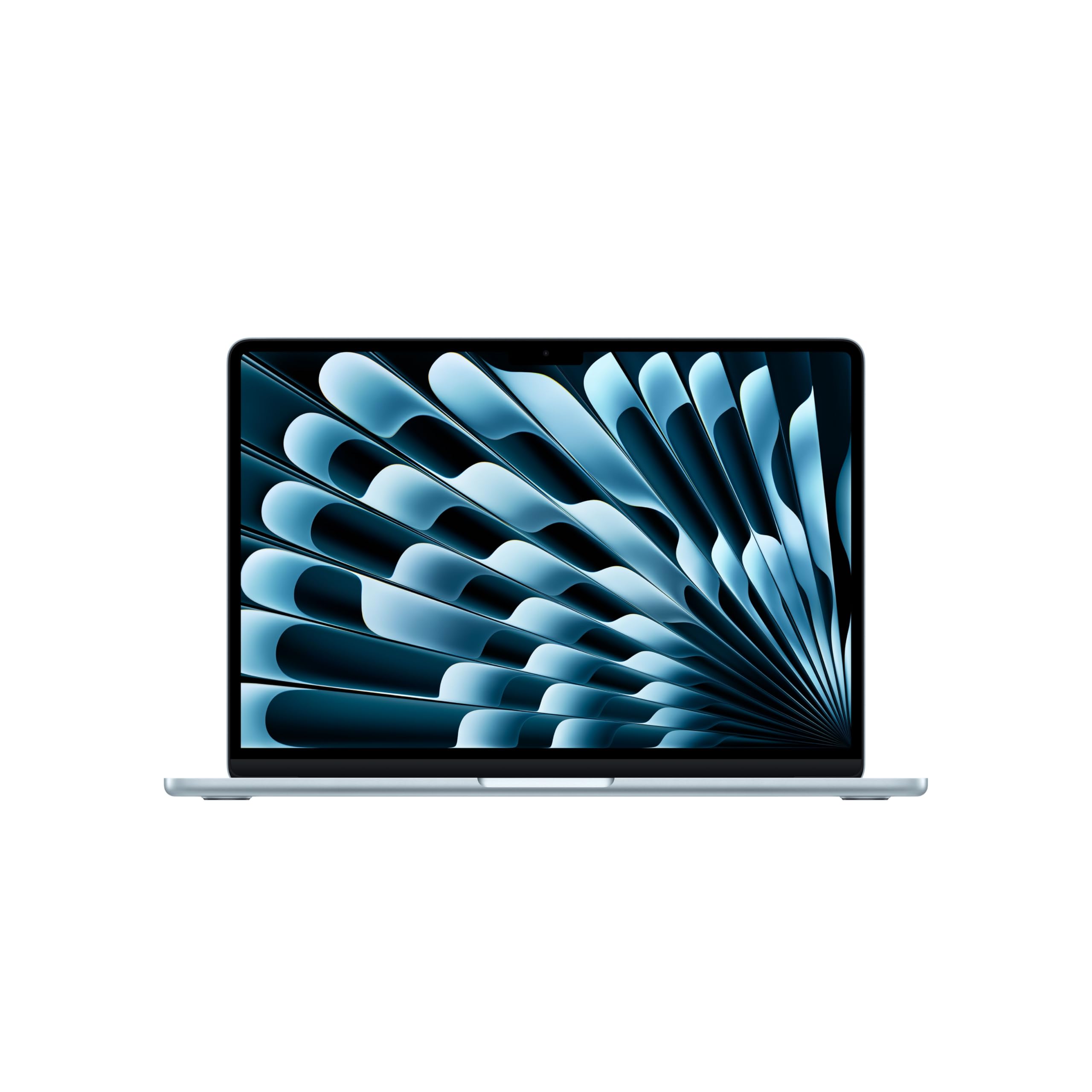
#1 · Best for most peopleApple MacBook Air 13-inch (M5, 2026)
★★★★★4.7(1,332)
Students, professionals and anyone who wants one MacBook for everything
Buy on Amazon ↗ A 13-inch MacBook Air with the Apple M5 chip and Wi-Fi 7, released in March 2026. Its memory and storage cannot be upgraded later.
Why buy it: Picture a student or professional carrying one light laptop from class to office to home, with a full day of battery. Macworld names it the best MacBook overall, Tom's Guide reports over 15 hours of battery, and it can drive two external displays. It is the best pick for most people in this guide, while the Neo is slower and the Pros cost much more. The catch: RAM and storage are fixed, so buy the size you need up front.
Pros, cons & who should skip it
Macworld names the 13-inch M5 Air the best MacBook overall and Tom's Guide calls it a fantastic laptop for most people. The M5 Air arrived in March 2026.
Pros- Fast everyday performance
- Over 15 hours of battery (Tom's Guide)
- Light, portable design
Cons- RAM and storage are fixed, so buy the size you need up front
Skip it if: You need sustained heavy workloads or the Pro's better display
💻
#2 · Best budget MacBookApple MacBook Neo
★★★★★4.6(1,579)
Budget buyers with light needs: browsing, schoolwork, email
Buy on Amazon ↗ Apple's entry-level MacBook with the A18 Pro chip. It has about half the multi-core and GPU speed of the M5 Air (Refurbed).
Why buy it: Picture a student writing essays, browsing and sending email on a real MacBook. Macworld calls it the cheapest way to buy a Mac laptop in 2026, and Tom's Guide calls it an exemplary budget laptop for the price. It is the cheapest Mac in this guide. The catch: it is less powerful than the Air and Pro, so it is not for video editing or heavy coding.
Pros, cons & who should skip it
Macworld calls the MacBook Neo the cheapest way to buy a Mac laptop in 2026, and Tom's Guide calls it an exemplary budget laptop for the price.
Pros- Cheapest new Mac laptop
- Good for everyday tasks
- Mac reliability and software
Cons- Less powerful than the Air and Pro
Skip it if: You edit video, code heavily or want the long-term headroom of the Air
💻
#3 · Best MacBook Pro for mostApple MacBook Pro 14-inch (M5)
★★★★★4.7(340)
Power users who want a dependable Pro that travels well
Buy on Amazon ↗ A 14-inch MacBook Pro with the Apple M5 chip. It has a better display than the Air.
Why buy it: Picture a power user who carries a dependable Pro to client meetings, with strong sustained performance and long battery life. Tom's Guide names it the best MacBook Pro overall, and Macworld recommends it for people who need sustained performance and better displays than the Air offers. It is the Pro to pick if you do not need the M5 Pro or M5 Max. The catch: it costs much more than the Air.
Pros, cons & who should skip it
Tom's Guide names the 14-inch M5 the best MacBook Pro overall: strong performance, long battery life and easy to carry.
Pros- Strong sustained performance
- Long battery life
- Better display than the Air
Cons- Costs much more than the Air
Skip it if: Your work is light enough for the Air, or you need maximum GPU power
💻
#4 · Best for creators and prosApple MacBook Pro (M5 Pro / M5 Max)
★★★★★4.7(323)
Video editors, developers and creative professionals
Buy on Amazon ↗ A 14-inch or 16-inch MacBook Pro with an M5 Pro or M5 Max chip. It is built for sustained heavy work, not for light use.
Why buy it: Picture a video editor or developer who runs heavy projects every day. Macworld points creative pros, developers and high-end video editors to the M5 Pro and M5 Max, and Tom's Guide picks the M5 Pro for its strong GPU for video edits and AI work. It has the top GPU and CPU power in this guide. The catch: it is very expensive and more than most people need.
Pros, cons & who should skip it
Macworld points creative pros, developers and high-end video editors to the M5 Pro and M5 Max Pros. Tom's Guide picks the M5 Pro for its strong GPU for video edits and AI work.
Pros- Top GPU and CPU power
- Built for sustained heavy work
- Pro-grade displays
Cons- Very expensive
- More than most people need
Skip it if: You mostly browse, write and stream
Picks come from Macworld and Tom's Guide buying guides, cross-checked with Envirofone and Refurbed comparisons. Only models covered by at least two of these sources are listed. Assumptions: Apple raised MacBook prices in 2026 (Macworld reports a $200 rise on the Air in June), so we show no prices here. Check the current price before you buy.