💻
#1 · Best Overall ValueApple MacBook Neo
★★★★★4.6(1,579)
Anyone who wants a Mac for everyday work and school without a Mac price.
Buy on Amazon ↗ A 13-inch MacBook with an A18 Pro chip, 8GB of memory and a 256GB SSD. It does not support P3 color, so it is not for serious color work.
Why buy it: Picture a student writing essays and streaming between classes on a sturdy aluminum laptop that lasts about 13 hours. PCWorld picks it as its best budget laptop, and it is the lightest PCWorld-tested pick in this guide at 2.7 lb. It gives you a Mac without a Mac price. The catch: multi-core performance lags and memory is 8GB.
Pros, cons & who should skip it
The MacBook Neo is PCWorld's pick for best budget laptop, and it is the cheapest MacBook Apple has made. It runs an A18 Pro chip with 8GB of memory and a 256GB SSD, which is plenty for browsing, email, streaming, documents and spreadsheets.
Pros- Sturdy, premium-feeling aluminum design
- Excellent single-core speed
- Bright, sharp 13-inch screen
- Battery lasts a full day
Cons- Two USB-C ports with different speeds
- Multi-core performance lags
- No P3 color support, so not for serious color work
- Touch ID only on the higher-priced model
Skip it if: you need lots of memory, heavy video editing power, or accurate color.
💻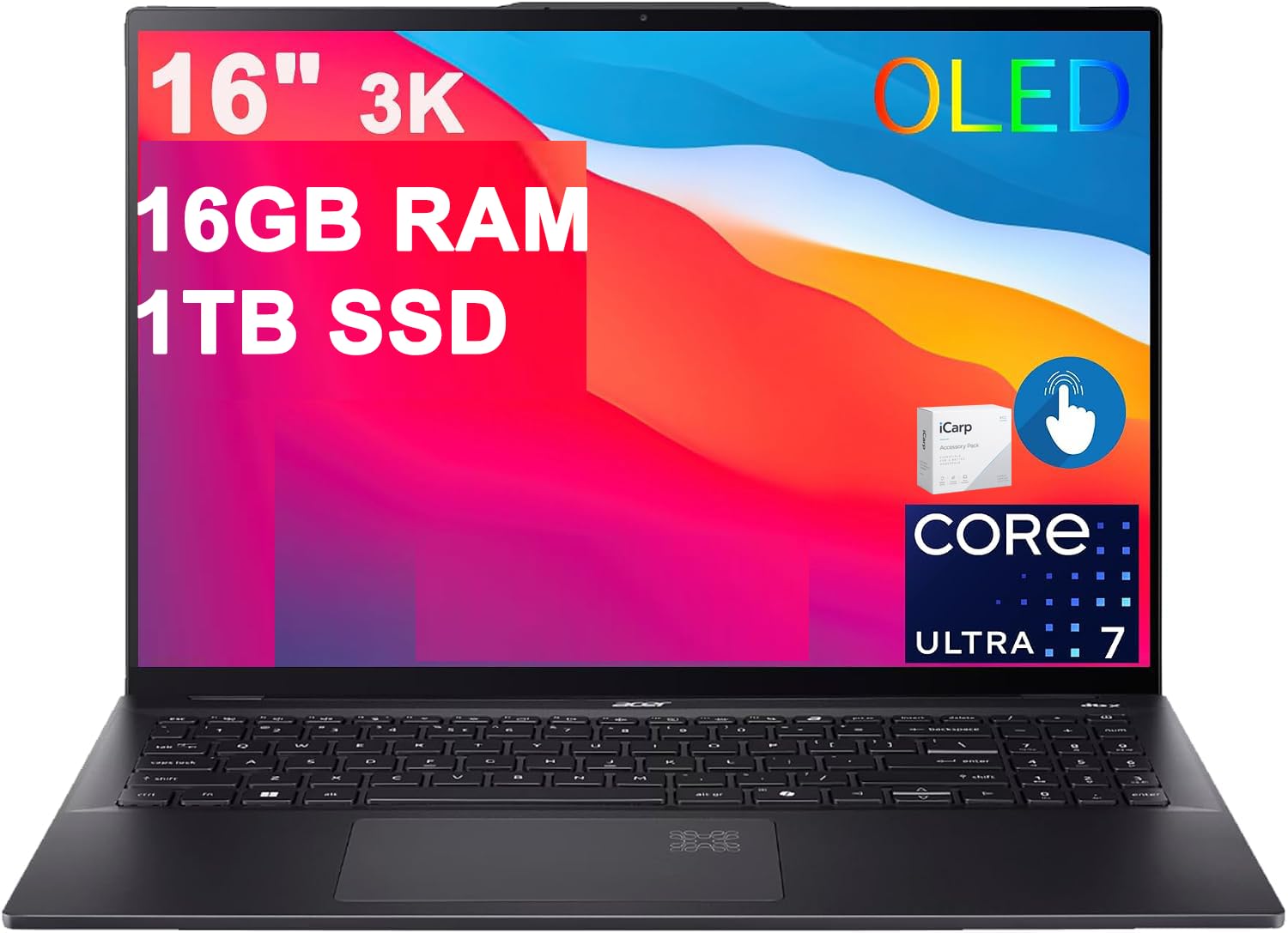
#2 · Best Windows All-RounderAcer Swift 16 AI (Lunar Lake)
★★★★★5(7)
Students and office workers who want a big screen without a heavy bag.
Buy on Amazon ↗ A 16-inch Windows laptop with a 2880×1800 OLED screen, an Intel Core Ultra 7 256V chip, 16GB of RAM and a 1TB SSD. It weighs 3.37 lb and does not have standout AI features.
Why buy it: Picture a day split between lectures and an office desk, with a big, sharp screen and no heavy bag. PCWorld measured about 17.5 hours of battery, the longest of the PCWorld-tested picks in this guide, and it has Wi-Fi 7 and two Thunderbolt 4 ports. The catch: its AI features still feel unfinished, and PCWorld found it just under budget at one store while others charged more.
Pros, cons & who should skip it
The Swift 16 AI gives you a big, sharp 16-inch OLED screen in a laptop that weighs only 3.37 lb. Inside are an Intel Core Ultra 7, 16GB of memory and a 1TB SSD, and PCWorld measured about 17.5 hours of battery life.
Pros- Sleek, sturdy design
- Sharp, colorful OLED screen
- Tactile keyboard
- Good battery life for a 16-inch laptop
Cons- AI features still feel unfinished
- Some keyboard keys are cramped
- Too many preinstalled apps
Skip it if: you want the lowest price: the Amazon listing has been well above $1,000.
💻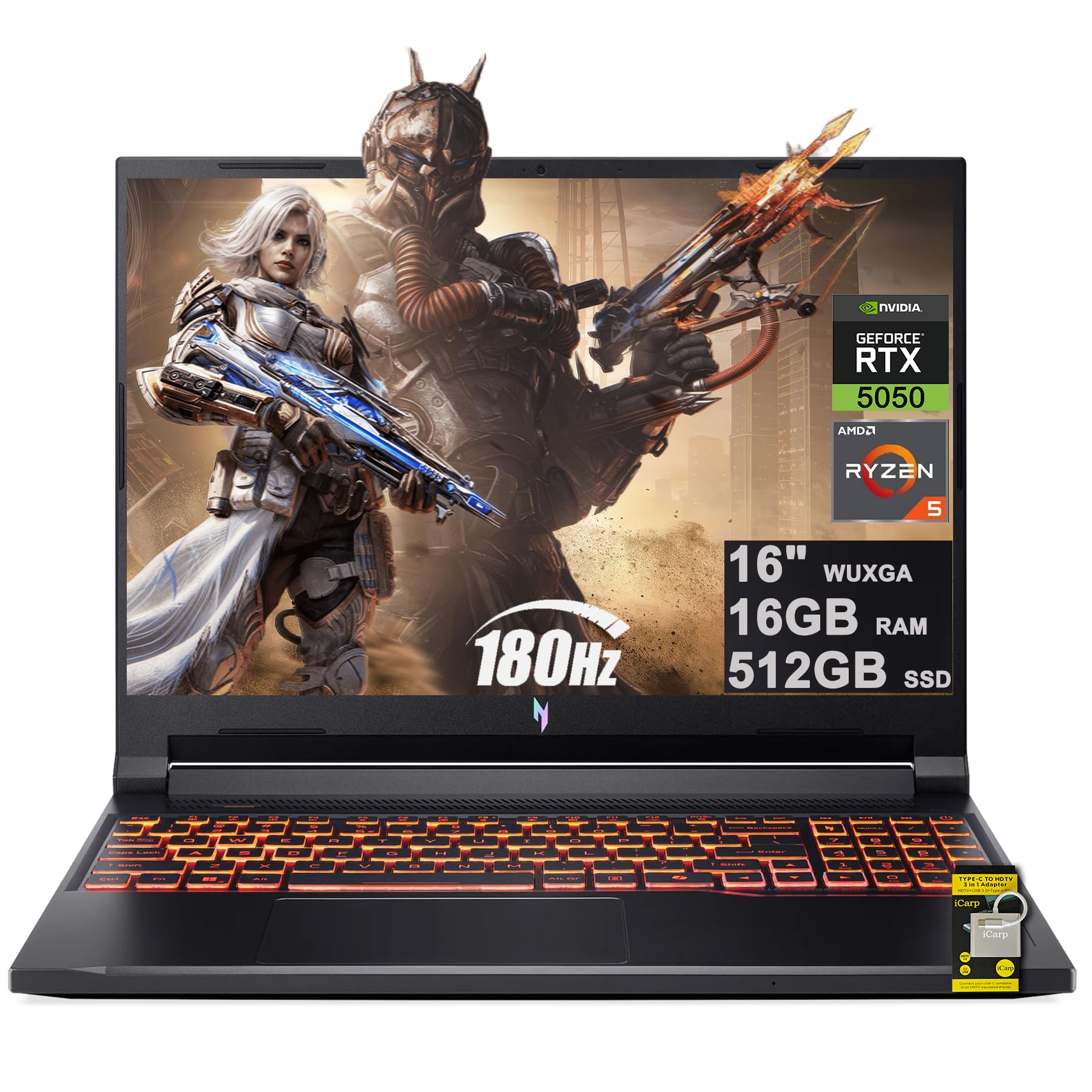
#3 · Best Gaming Laptop Under $1,000Acer Nitro V 16 AI
★★★★★4.1(10)
Budget 1080p gaming that doubles as a school or work laptop.
Buy on Amazon ↗ A 16-inch gaming laptop with an AMD Ryzen 5 240, an Nvidia RTX 5050, 16GB of RAM and a 1920×1200 180Hz screen. It weighs 5.38 lb and has Wi-Fi 6 only.
Why buy it: Picture a student who games at 1080p in the evening and uses the same laptop for school during the day. Its RTX 5050 averaged around 72 fps in Cyberpunk 2077, and battery life is unusually good for a gaming laptop at 8 to 12 hours with light use. It is the only pick in this guide with dedicated graphics named in our sources. The catch: the CPU is sub-par, the speakers are poor, and prices vary a lot between stores.
Pros, cons & who should skip it
PCWorld's best budget gaming laptop was reviewed at $899 and has often been found much cheaper on sale. Its RTX 5050 graphics averaged around 72 fps in Cyberpunk 2077, which makes it a solid 1080p gaming machine for the money.
Pros- Strong 1080p gaming for the price
- Large 16-inch 1200p 180Hz screen
- Lots of ports
- Big touchpad
Cons- Sub-par CPU performance
- Poor built-in speakers
- Wi-Fi 6 only
- Prices vary a lot between stores
Skip it if: the Amazon price is above $1,000: PCWorld saw it far higher there than at other stores.
💻
#4 · Best ChromebookAsus Chromebook Plus CX34
★★★★★4.2(13)
Web-based work, school and video calls on a tight budget.
Buy on Amazon ↗ A 14-inch Chromebook Plus with an Intel Core i5-1335U, 8GB of RAM and a 1920×1080 touchscreen. It runs ChromeOS only.
Why buy it: Picture a student who lives in the browser and Google apps, typing notes on a keyboard that PCWorld calls a highlight. It is fast for a Chromebook and costs roughly half of what most laptops on this list do. The catch: it runs ChromeOS only, and its battery life of about 13 hours is not class-leading.
Pros, cons & who should skip it
If your work lives in the browser, this Chromebook Plus is fast and simple. A Core i5 chip and 8GB of RAM keep everyday tasks smooth, the 14-inch 1080p touchscreen looks sharp and the keyboard is a highlight.
Pros- Zippy performance for a Chromebook
- Great keyboard
- Plenty of ports
- Stylish design
Cons- Battery life is not class-leading
- 16:9 screen feels a bit cramped
- ChromeOS only
Skip it if: you need Windows or macOS desktop software.
💻
#5 · Cheapest Copilot+ PCLenovo IdeaPad Slim 3x
★★★★★4.4(255)
Everyday browsing, schoolwork and office tasks on a tight budget.
Buy on Amazon ↗ A 15.3-inch Windows laptop with a Qualcomm Snapdragon X chip and a 45 TOPS NPU. It has an ARM chip, so some apps may not run.
Why buy it: Picture a laptop for browsing, streaming and notes that gets through a day without a charger. Lenovo claims up to 14 hours, and Rapid Charge gives about 2 hours from a 15-minute charge, per Lenovo. It is one of the cheapest Copilot+ PCs you can buy. The catch: PCWorld says the 15-inch screen is the weakest part and the hardware makes a lot of compromises.
Pros, cons & who should skip it
The IdeaPad Slim 3x runs on a Qualcomm Snapdragon X chip, which is why it can last all day on a charge at such a low price. It is one of the cheapest Copilot+ PCs you can buy, and reviewers describe it as a simple everyday laptop for browsing, streaming and notes.
Pros- Very long battery life for the price
- Big 15-inch screen with a number pad
- Fast enough for everyday work
Cons- The screen is the weakest part
- Plastic bottom panel
- ARM chip, so check that your apps support Windows on ARM
Skip it if: you need gaming, color-accurate photo work, or specialized Windows software.
💻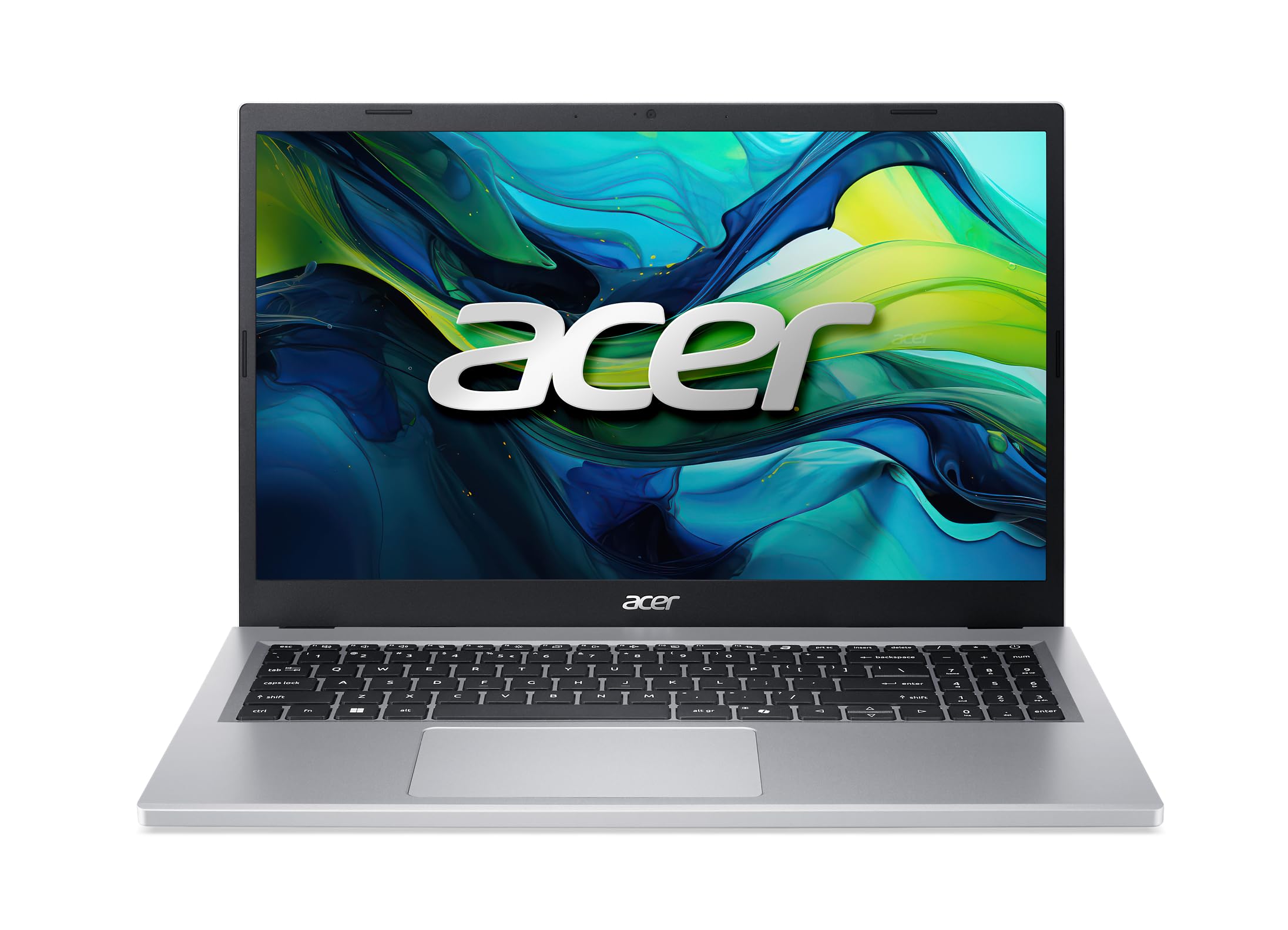
#6 · Best everyday Windows laptopAcer Aspire Go 15
★★★★★4.3(12)
Students and home users who want a regular Windows laptop
Buy on Amazon ↗ A 15-inch Windows laptop with a 1080p display. It has integrated graphics only.
Why buy it: Picture a family laptop for homework, email and video calls. PCWorld highlights the Aspire Go 15 for great battery life and a solid 1080p screen, BestReviews picks it as a budget laptop still worth using, and 8bittoast calls it the most consistently recommended budget laptop in its range in 2026. The catch: integrated graphics only, so it is not for gaming.
Pros, cons & who should skip it
PCWorld highlights the Aspire Go 15 for great battery life and a solid 1080p screen under $500, and BestReviews picks it as a sub-$500 laptop still worth using.
Pros- Great battery life
- Solid 1080p screen
- Practical everyday pick
Cons- Integrated graphics only, so not for gaming
Skip it if: You need discrete graphics or a premium display
💻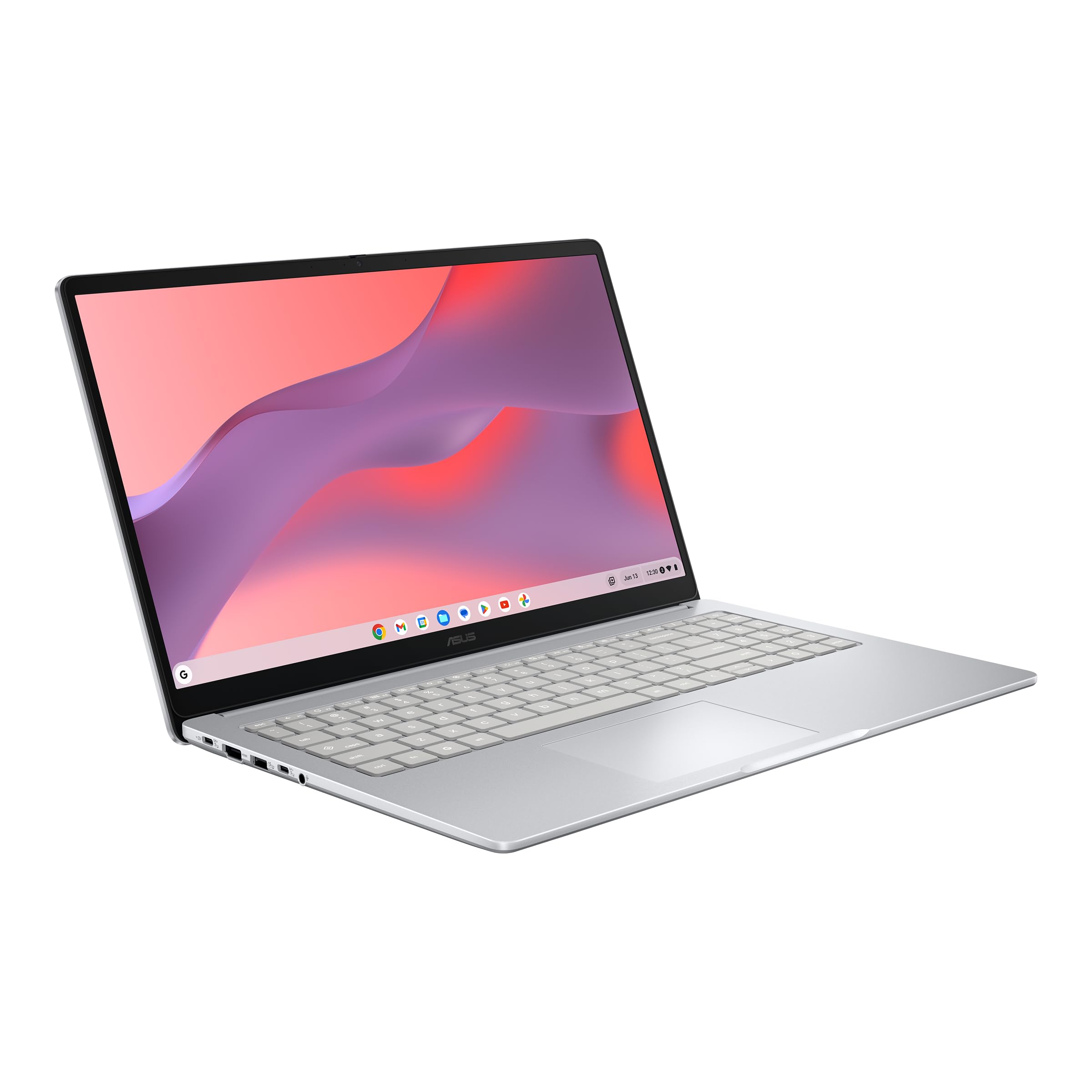
#7 · Best cheap ChromebookASUS Chromebook CX15
★★★★★4.3(98)
Anyone on a tight budget who needs a simple laptop
Buy on Amazon ↗ A 15-inch Chromebook with a tested battery life of 7 hours 26 minutes (Tom's Guide). It is a basic machine, not a premium one.
Why buy it: Picture a simple laptop for web pages, documents and video calls. PCWorld names it the best Chromebook in its low-price class, and Tom's Guide calls it one of the cheapest laptops it has tested that still does not disappoint. It is the cheapest pick in this guide. The catch: its 7 hours 26 minutes of tested battery is the shortest figure in this guide.
Pros, cons & who should skip it
PCWorld names the CX15 the best Chromebook under $200, and Tom's Guide calls it one of the cheapest laptops it has tested that still does not disappoint.
Pros- Very low price
- Does the basics well
Cons- Battery life is shorter than pricier picks
Skip it if: You want long battery life or a premium feel
💻
#8 · Best Windows all-rounderAcer Aspire 5
★★★★★3.9(23)
Students and families who want a dependable Windows laptop
Buy on Amazon ↗ A Windows 11 laptop for office work, browsing and light streaming (PCGuide). It is not made for gaming.
Why buy it: Picture a student writing papers, browsing and watching lectures on a dependable Windows laptop. PCGuide recommends the Aspire 5 Slim for non-gaming use, and Impressive Magazine names the 2026 Aspire 5 its best Windows all-rounder. It is the plain all-round Windows choice among this guide's mid-budget picks. The catch: it is not made for gaming.
Pros, cons & who should skip it
PCGuide recommends the Acer Aspire 5 Slim for anyone shopping around $600 for non-gaming use. Impressive Magazine names the 2026 Aspire 5 its best Windows all-rounder.
Pros- Solid all-round Windows laptop
- Good for study and office work
Skip it if: You want to play demanding games
💻
#9 · Best tested by RTINGSASUS Vivobook 16 (M1605)
★★★★★4.4(43)
People who want the best-tested Windows laptop under $600
Buy on Amazon ↗ A 16-inch Windows laptop. iTechGuides says to look for the 16GB RAM and 512GB SSD configuration.
Why buy it: Picture a student who wants a large screen for documents and spreadsheets and is willing to carry a bigger laptop. iTechGuides reports that RTINGS names it its best tested laptop in this price range, strongest overall when it has at least 16GB of RAM and a 512GB SSD. The catch: it is only worth buying in that configuration, and the 16-inch size is less portable.
Pros, cons & who should skip it
iTechGuides reports that RTINGS names the Vivobook 16 M1605 its best tested laptop under $600, and says it is the strongest overall Windows pick when the configuration has at least 16GB of RAM and a 512GB SSD.
Pros- Top RTINGS pick in this price range
- Good screen for the money
Cons- Only worth buying in the 16GB / 512GB configuration
- Large 16-inch size is less portable
Skip it if: You want a small, light laptop to carry all day
💻
#10 · Best valueLenovo IdeaPad Slim 3
★★★★★4.4(151)
Budget buyers who want a sturdy everyday laptop
Buy on Amazon ↗ A 15.6-inch Windows 11 laptop that weighs 3.42 lb (Fypower). Weak 4GB or 128GB versions exist.
Why buy it: Picture a sturdy everyday laptop for schoolwork that goes in a backpack every day. Fypower calls the Slim 3i 15.6 its best-value pick and says Lenovo puts these laptops through 12 military-grade durability tests. It is light for a 15.6-inch laptop. The catch: pick the configuration carefully, because 4GB or 128GB models are weak for daily use.
Pros, cons & who should skip it
iTechGuides lists a properly configured Lenovo IdeaPad Slim 3 among the best $600 laptops, and Impressive Magazine includes the 2026 IdeaPad 3i. Fypower calls the IdeaPad Slim 3i 15.6 its best-value pick.
Pros- Good value
- Light for a 15.6-inch laptop
- Durability testing (Fypower)
Cons- Pick the configuration carefully: 4GB or 128GB models are weak for daily use (iTechGuides)
Skip it if: You want a premium screen or strong graphics
💻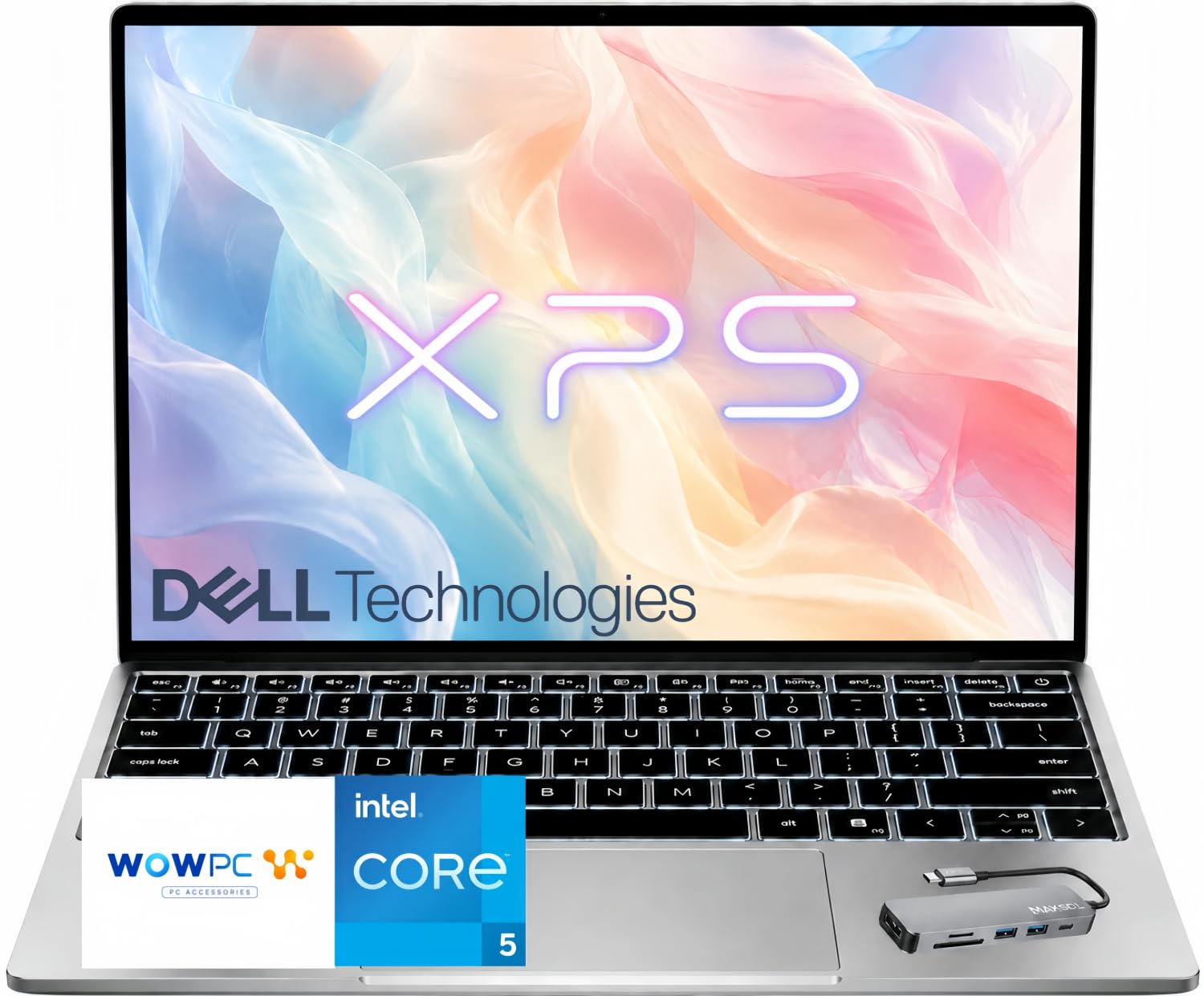
#11 · Best Windows StudentDell XPS 13 (2026)
★★★★★3(1)
Windows students
Buy on Amazon ↗ Dell XPS 13 (2026) is a thin, light, all‑metal laptop with a 13.4‑inch high‑res display, quad speakers, two 10Gbps USB‑C ports and Wi‑Fi 7 networking.
Why buy it: Picture a student who needs a lightweight, high‑resolution screen for note‑taking. Dell XPS 13 offers a roomy display and full sound, making it great for studying. It outperforms the MacBook Neo in display size and audio, but it has a budget‑feel touchpad and no headphone jack. The catch: it lacks a headphone jack.
Pros, cons & who should skip it
Dell XPS 13 is highlighted as the best Windows laptop for students by CNET.
Pros- Thin and light
- All‑metal design
- High‑res display
- Full sound
Cons- Touchpad feels budget
- No headphone jack
- Color choices uninspired
Skip it if: need a headphone jack
💻
#12 · Best MacMacBook Air M5
★★★★★4.7(1,332)
creative professionals
Buy on Amazon ↗ MacBook Air M5 is a thin, light, rigid aluminum laptop with a 512GB minimum SSD, improved app and graphics performance from the M5 chip.
Why buy it: Picture a creative professional who wants a lightweight Mac with strong performance. MacBook Air M5 delivers better graphics and AI performance than its predecessor, and its slim design is easy to carry. It beats the Dell XPS 13 in performance but has a higher price. The catch: it costs $500 more than the MacBook Neo.
Pros, cons & who should skip it
MacBook Air M5 is listed as the best Mac by CNET.
Pros- Improved performance
- Slim design
- Lightweight
Cons- Higher price
- No mention of battery life
Skip it if: budget‑conscious buyers
Picks come from PCWorld's hands-on laptop testing (updated Oct 2026), plus the Lenovo IdeaPad Slim 3x from the 2026 reviews we summarize in our Black Friday guide. Specs and battery figures are for the configuration PCWorld tested; Amazon listings can differ, so check the exact configuration before buying. We don't show prices because they change daily, and some of these only dip under $1,000 at certain stores or during sales. Assumptions: "under $1,000" is based on the lowest prices reported in Oct 2026; list prices and some retailers (including Amazon at times) can be higher.