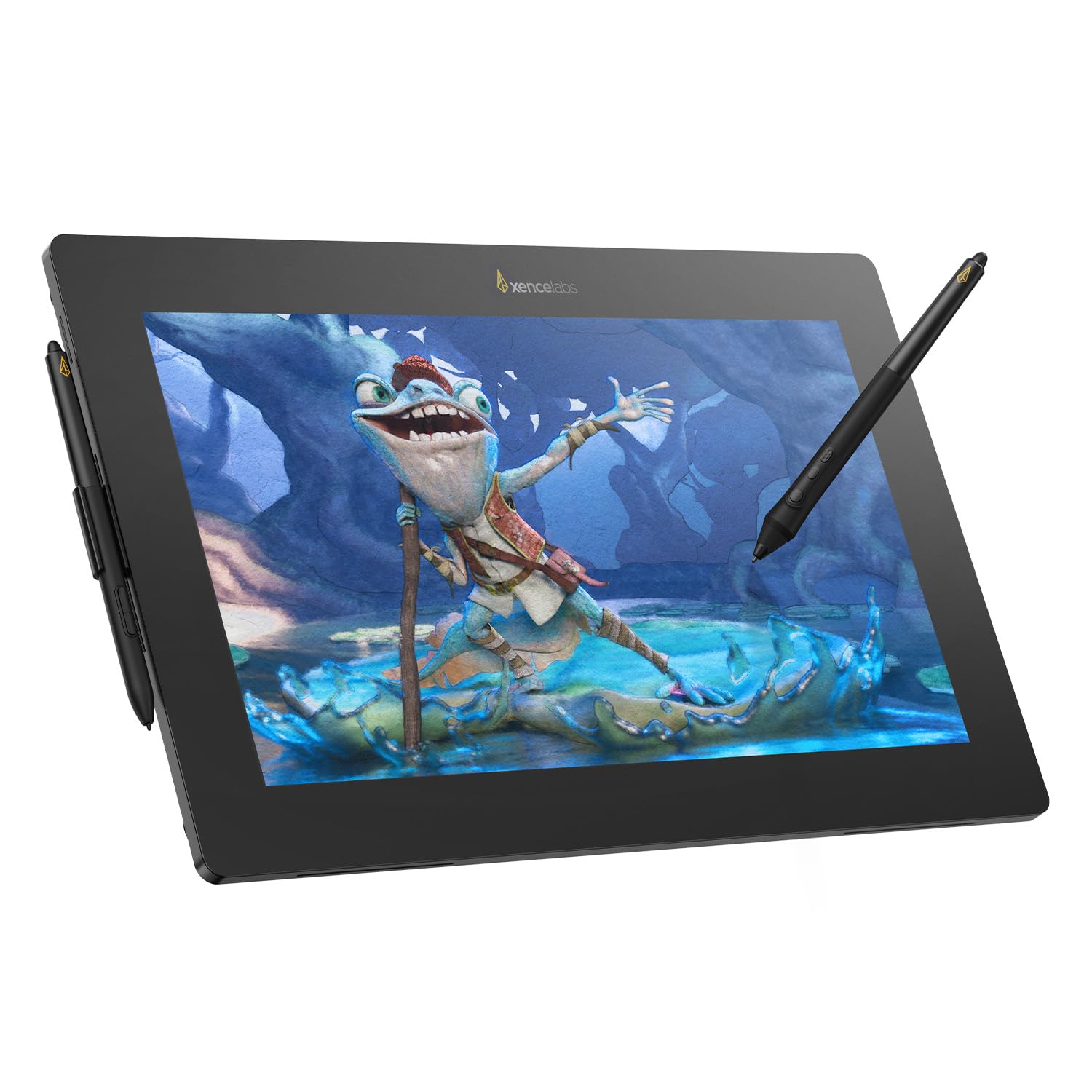
The Wacom Intuos Pro is the best pen tablet, the Ugee M908 the best budget start, and the Xencelabs Pen Display 16 the best mid-range screen to draw on.
As an Amazon Associate we earn from qualifying purchases · prices update daily, may change · affiliate links
Our top picks
🎸
#1 · Best pen tablet
Wacom Intuos Pro (2025, Medium)
★★★★★4.3(301)
$379.95
Serious hobbyists and pros who want a tablet that lasts and works with every app
Creative Bloq names the redesigned Intuos Pro its best pen tablet overall, praising the solid, slim build, precise tracking and the included Pro Pen 3, which it counts among the best styluses available. Wacom's drivers and app compatibility are the main reason studios keep buying it.
Pros
Excellent pen feel and the most dependable drivers
Customizable keys, dials and pen buttons
Wireless via Bluetooth
Slim, solid build that should last for years
Cons
The most expensive pen tablet Creative Bloq has tested
Only one stylus in the box
Keys now sit along the top, which takes some getting used to (Photoshop Café)
Sources disagree on multi-touch: Creative Bloq lists it, Photoshop Café says it was removed, so confirm before buying
Skip it if: You are a beginner on a tight budget, where a cheaper tablet gets you drawing for a fraction of the cost
🎸
#2 · Best budget pick
Ugee M908
★★★★★4.5(64)
$34.19
Beginners and anyone who wants to try digital art without spending much
Creative Bloq calls the Ugee M908 a surprisingly capable budget tablet and the clearest entry point for beginners: a full-size drawing area, a battery-free stylus and eight shortcut keys for under about $50.
Pros
Large drawing area for the money
Good stylus for the price
Portable and light
Shortcut keys and wheel are rare at this price
Cons
No Bluetooth or wireless
Slight lag when the pen re-enters hover range (Creative Bloq)
A ridge along the edges may bother some people
Plastic body shows fingerprints
Skip it if: You want a wireless tablet or a premium build
🎸
#3 · Best mid-range pen display
Xencelabs Pen Display 16
★★★★★1(1)
$719.00
Artists who want a portable 16-inch pen display without paying Wacom Cintiq prices
TechRadar's reviewer says the Pen Display 16 is the mid-range tablet he reaches for most. It is light, easy to set up with a single cable, and has a sharp 4K screen with accurate color. Creative Bloq also recommends it, and its deals box features the bundle.
Pros
Very light and easy to take on the road
Sharp, color-accurate 4K display
Two styluses and cases included
Roomy bezel for resting your wrist
Cons
Fewer pressure levels than XPPen and Huion rivals (8,192 vs 16,384), though TechRadar says the difference is hard to feel
Dimmer than the Wacom Cintiq Pro 27: about 300 nits on mains power vs roughly 400
The stand and remote cost extra unless you buy the Bundle
Skip it if: You want the biggest possible canvas or on-frame shortcut keys
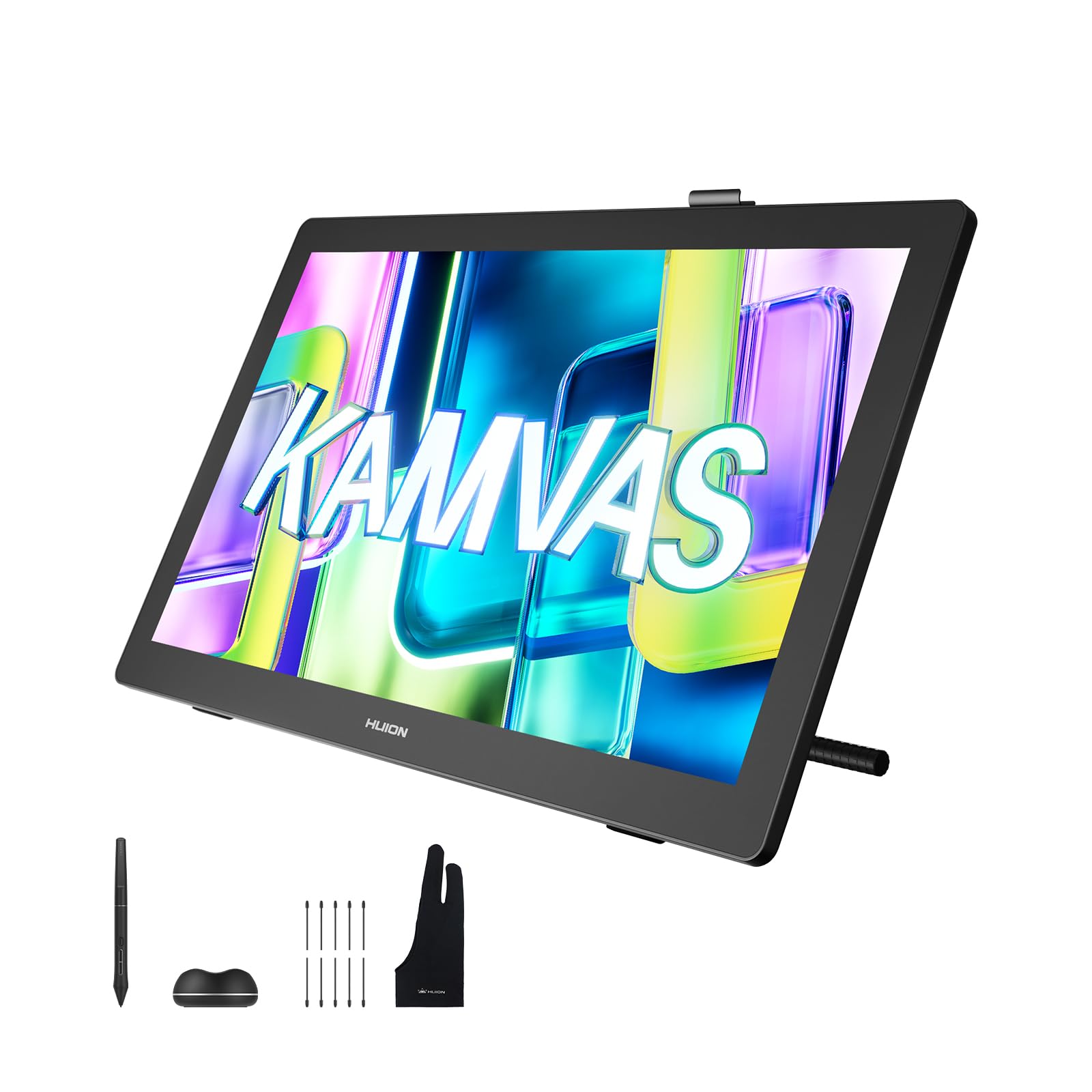
Creative Bloq's reviewer calls the Kamvas 22 (Gen 3) a large but not desk-hogging display that pushes into territory once held by pricier rivals. The 21.5-inch screen runs at 90Hz, which Creative Bloq says is unheard of at this size and price.
Pros
90Hz screen is unusually smooth for the price
Stand included
Strong out-of-the-box color
Slim bezels and a sturdy build
Cons
No on-frame Quick Keys and no remote included
No touch control
Brightness is solid rather than spectacular
Plastic body, not as premium as a Cintiq
Skip it if: You depend on built-in shortcut keys or touch gestures
🎸
#5 · Best premium pen display
Wacom Cintiq Pro 27
★★★★★4.2(65)
Professional illustrators and studios that draw all day
Creative Bloq names the Cintiq Pro 27 the best pen display for build quality, specs and professional needs, calling out the 4K screen, strong color, and a Pro Pen 3 that feels smooth with excellent tilt and pressure.
Pros
Superb build and pen
Excellent 4K color
On-frame Quick Keys and touch
Wacom's stable drivers
Cons
Very expensive
Heavy, and you need a proper stand, which costs more in the bundle
Overkill for hobby use
Skip it if: You are a beginner or hobbyist, where the Kamvas 22 or Xencelabs does far more per dollar
🎸
#6 · Best standalone budget pick
XPPen Magic Drawing Pad
★★★★★4.4(733)
$469.99
Artists who want a portable sketchbook for plein-air and sofa drawing
Creative Bloq's best small, budget pen computer: a standalone Android tablet with no computer needed. It has a solid metal body, a micro-textured anti-glare screen that avoids the slippery feel of an iPad, and a stylus the reviewer found accurate.
Pros
Draw anywhere without a PC
Paper-like textured screen
Light and portable
Great value for a standalone tablet
Cons
Struggles with some demanding paint simulations (Creative Bloq)
The case is not a true protective sleeve
Runs Android, so no Procreate
Skip it if: You need Procreate or a bigger screen; an iPad is better then
How to choose
Pick the type first. Pen tablets are flat and screenless and the cheapest; pen displays let you draw on the screen but cost more; standalone tablets like the XPPen Magic Drawing Pad or an iPad need no computer (Creative Bloq).
8,192 pressure levels is plenty. Creative Bloq says to look for at least 8,192; TechRadar found it hard to tell 16K from 8K in use, and says higher can even be harder to control.
Check what is in the box. Stands, shortcut remotes and cables are sometimes sold separately, which changes the real price (Creative Bloq, TechRadar).
Size matters more than specs. For pen tablets Creative Bloq says Medium is the sweet spot; for displays it suggests 16 inches or larger for natural arm sweeps.
FAQ
Pen tablet or pen display?
A pen tablet is cheaper and easier on your posture but you look at your monitor while drawing. A pen display lets you draw right on the image, which many find more natural but costs more (Creative Bloq).
Is there a good alternative to the Intuos Pro?
Creative Bloq's best-value pen tablet is the Xencelabs Pen Tablet Medium Bundle at $329.99, which adds two pens and a Quick Keys remote.
Can I just use an iPad?
Yes. Creative Bloq's top standalone is the iPad Pro M5, but the Apple Pencil Pro is sold separately and the glossy screen feels slippier than a dedicated drawing tablet.
Picks come from Creative Bloq's hands-on drawing tablet guide (updated Oct 8, 2026). The Xencelabs Pen Display 16 and Wacom Cintiq Pro 27 are cross-checked against TechRadar's hands-on coverage (June 2025), and the Wacom Intuos Pro against independent 2025 reviews from Photoshop Café and Shutterbug. Assumptions: Prices change often, so we quote only figures the sources show and label them. The Ugee M908, Huion Kamvas 22 (Gen 3) and XPPen Magic Drawing Pad rest on Creative Bloq's testing alone; we found no second independent hands-on review we could use. Sources disagree on whether the 2025 Intuos Pro has multi-touch.