The Bambu Lab X2D is the best all-round pick, the A1 Mini and Anycubic Kobra X are the best budget starts, and the Prusa Core One is the premium choice.
As an Amazon Associate we earn from qualifying purchases · prices update daily, may change · affiliate links
Our top picks
🎧
#1 · Best overall
Bambu Lab X2D
★★★★★4.3(342)
$21.59
Buyers who want one printer that will not hold them back as they learn
Tom's Hardware names the X2D its best 3D printer overall, calling it the successor to the X1C that started the consumer boom. It is a fast CoreXY machine with quick-swap dual nozzles, active chamber heating and AI camera monitoring, and it lets you keep the door closed even when printing PLA or PETG.
Pros
Very reliable in long tests
Simple to use, with easy nozzle swaps and auto bed leveling
Handles tougher filaments out of the box
Quiet and well filtered for a desk or classroom
Cons
The second nozzle uses a slower Bowden drive limited to about 200 mm/s (TechRadar)
Assigning filaments for dual-nozzle prints still takes some learning
The AMS 2 Pro needs an optional power cord to dry filament while printing (Tom's Hardware)
Skip it if: You only want the cheapest way to start, or you will print single-color PLA only
🎧
#2 · Best cheap starter
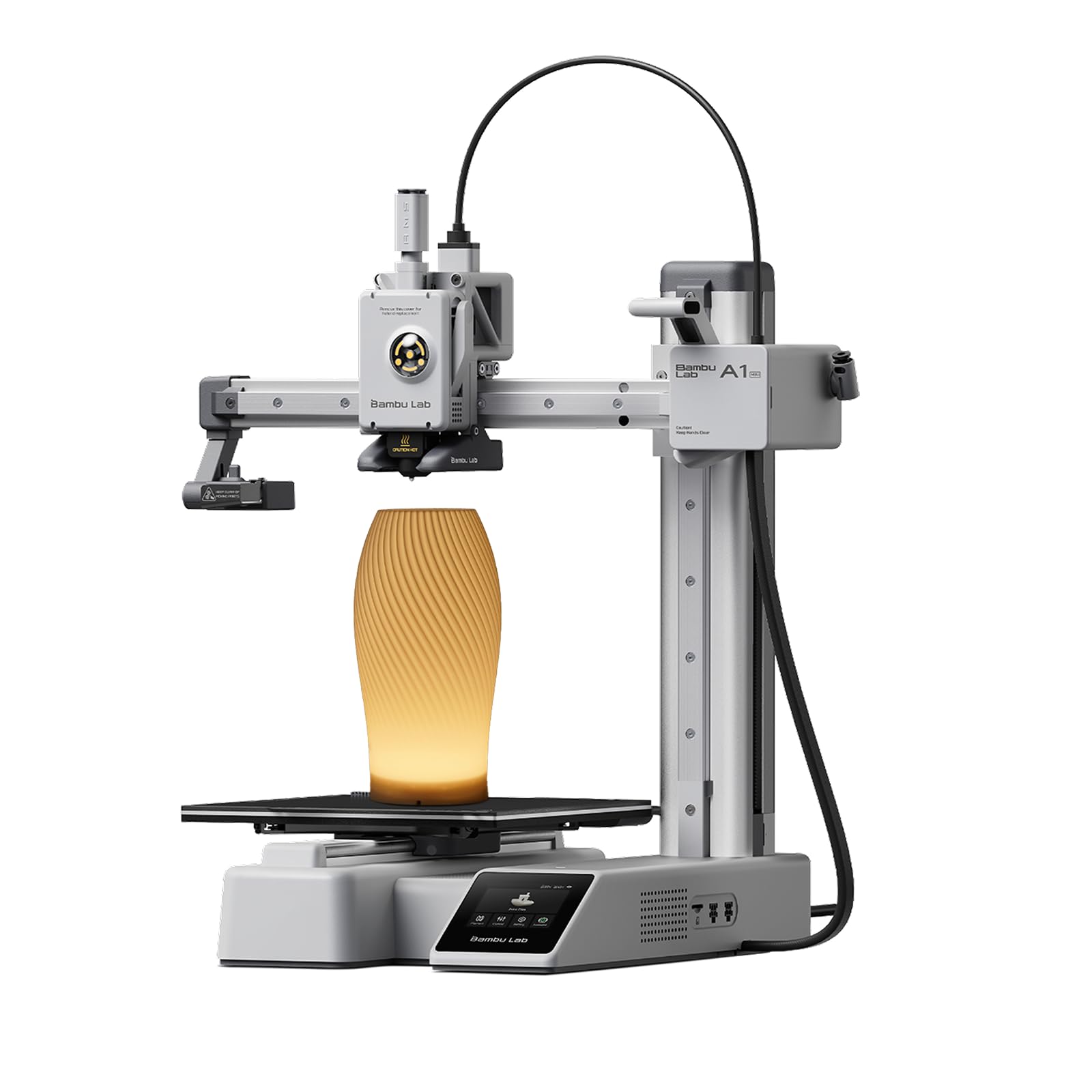
Bambu Lab A1 Mini
★★★★★4.4(344)
$249.00
First-time buyers on a tight budget and small desks
TechRadar's budget pick is the A1 Mini. It scored five stars in the review, needs no manual calibration or assembly, and its optional AMS Lite handles up to four filaments, a feature that is normally reserved for pricier machines.
Pros
Cheap and compact
Plug-and-play setup
Fast, good print quality
Easy way to try multicolor
Cons
Small build volume
Filament swaps are slow and the touchscreen is less responsive (TechRadar)
No enclosure, so not ideal for ABS or ASA
Skip it if: You want to print large parts or tougher materials
🎧
#3 · Best budget for color
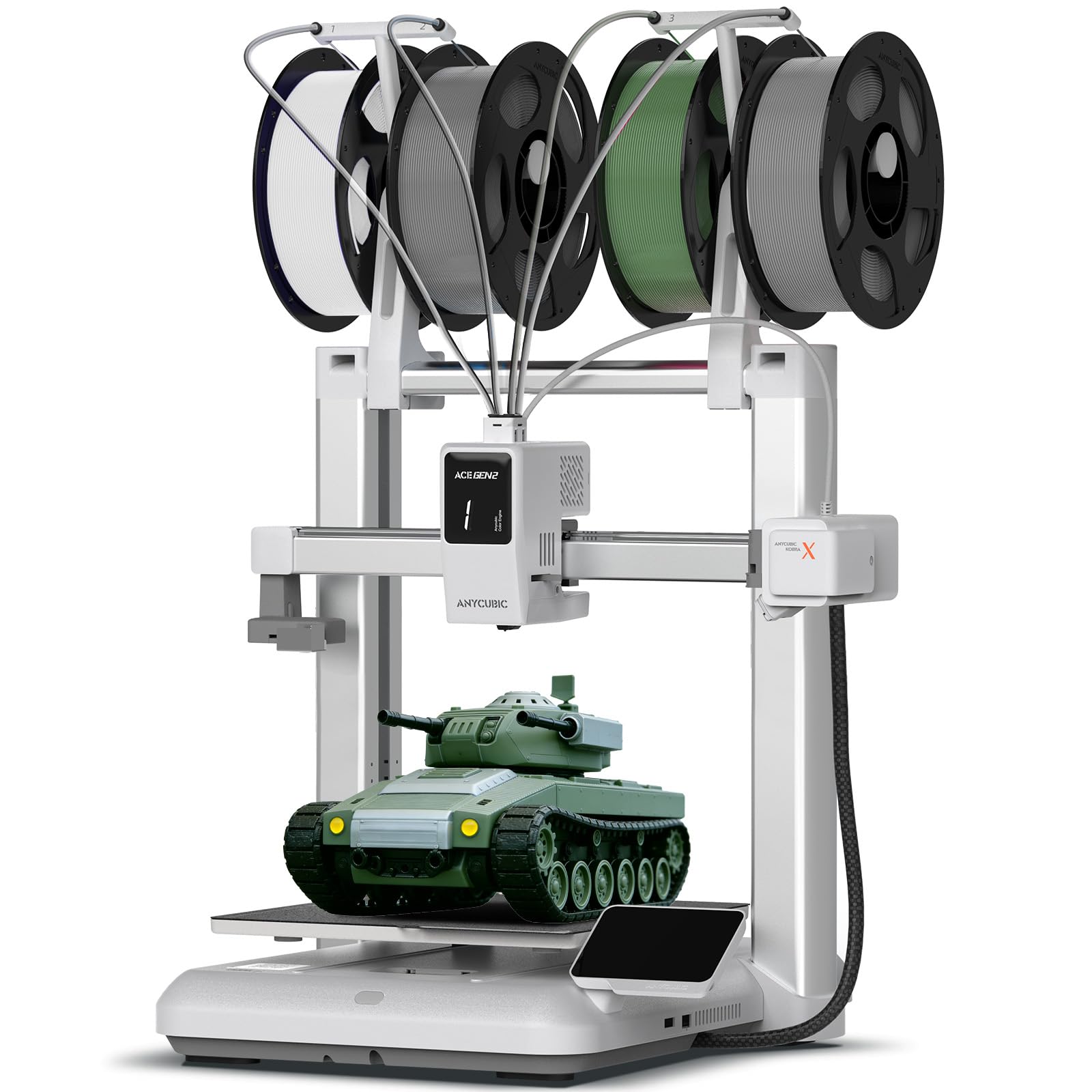
Anycubic Kobra X
★★★★★4.2(174)
$299.99
Beginners who want multicolor prints without paying for a Bambu
Tom's Hardware names the Kobra X its best budget 3D printer. It is a four-color machine by default thanks to a small multi-material unit built into the tool head. In their head-to-head test, a color swap took about 35 seconds against 90 seconds or more on the Bambu A1, which saved roughly 10 hours on a 776-swap print.
Pros
Very easy to set up
Fast color changes
Larger bed than the A1 Mini
Reliable auto bed leveling
Cons
Open frame limits material choice (TechRadar)
Still produces purge waste, about 27% less than rivals in Tom's Hardware's test
Spool holder makes loading awkward; non-Anycubic filament can be fiddly
Skip it if: You want engineering-grade filaments or an enclosure
🎧
#4 · Best fast enclosed printer
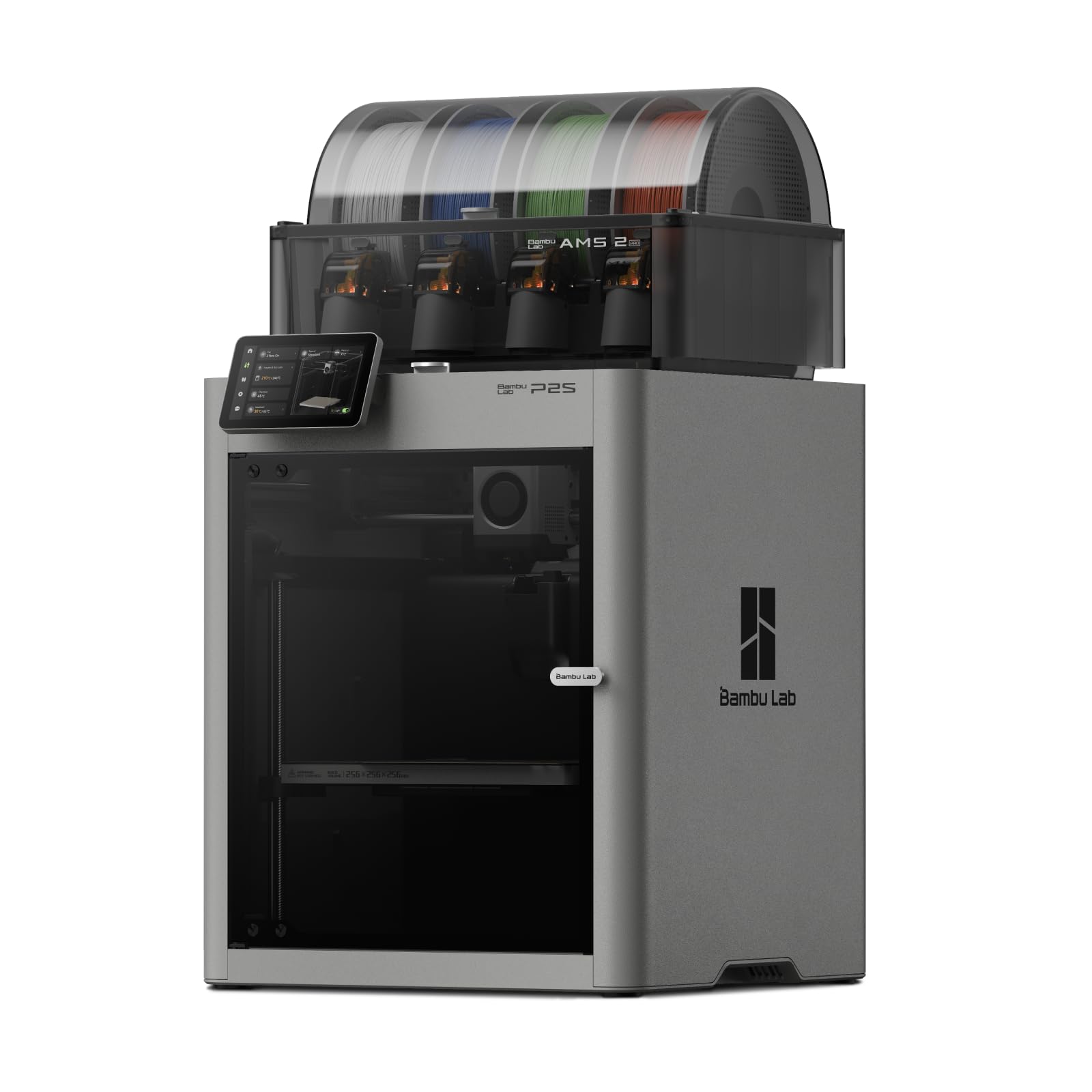
Bambu Lab P2S
★★★★★4.5(332)
$779.00
Buyers who want an enclosed, fast printer with Bambu's easy setup
TechRadar says the Bambu Lab P2S was in the running for best overall in its 3D printer guide and calls it a strong contender. It is an enclosed CoreXY printer with a 256 x 256 x 256 mm build volume, a 500 mm/s top print speed, a 5-inch touchscreen and an AI camera that watches for failed prints.
Pros
Fast, enclosed CoreXY from Bambu Lab
Quick-swap hardened-steel nozzle
AI camera watches for failed prints
The Combo adds AMS 2 Pro for multicolor
Cons
No active chamber heating (the X2D has it)
Single nozzle: multicolor needs the more expensive Combo
Skip it if: You want to print tough filaments that need a heated chamber (the X2D has one), or you want the cheapest start (the A1 Mini)
🎧
#5 · Best all-rounder bed-slinger
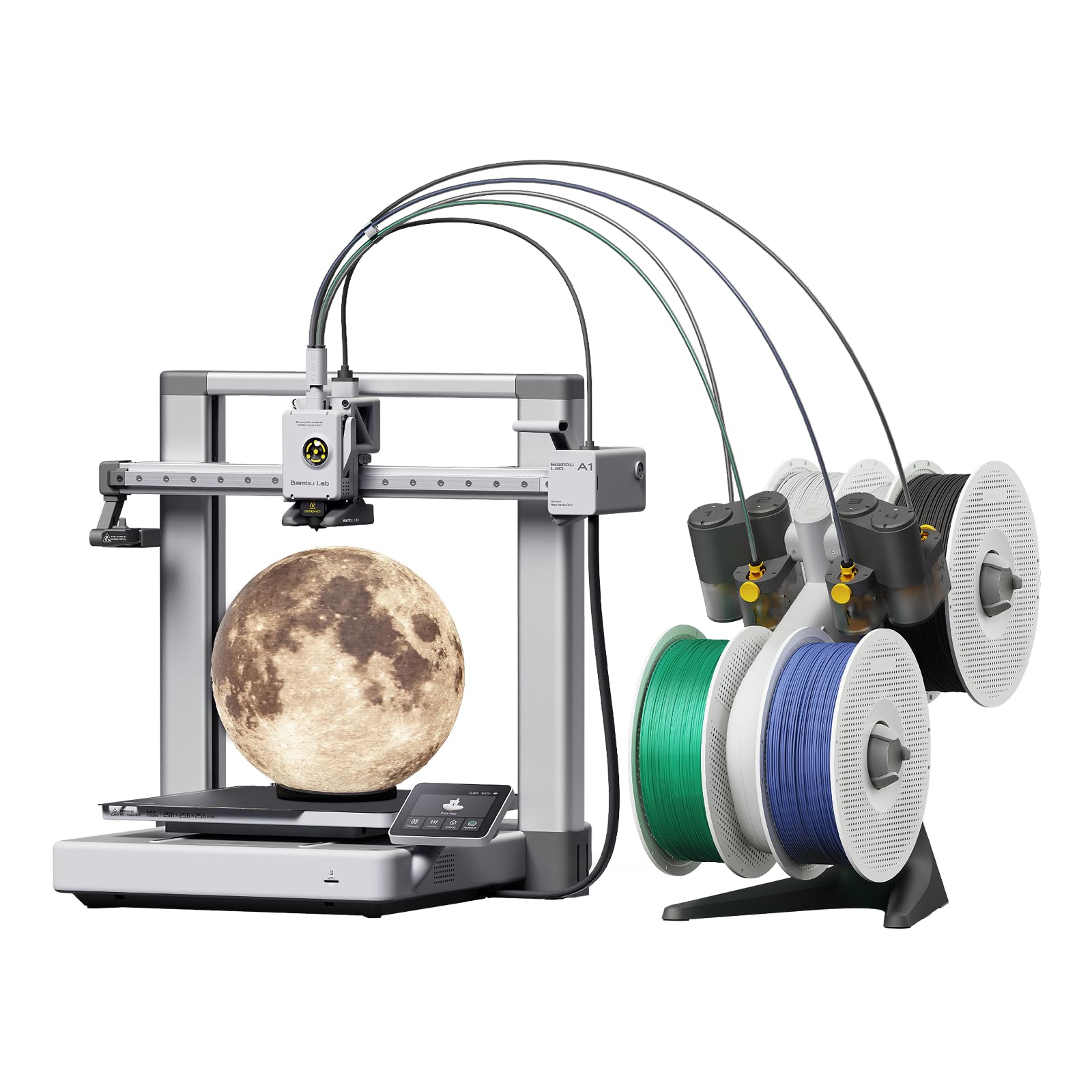
Bambu Lab A1
★★★★★4.2(394)
$419.00
People who want a larger open-frame printer from a proven brand
TechRadar says the A1 is ideal for most people and general use: small, fun and easy, with good print quality, ultra-fast printing and multi-filament versatility. Tom's Hardware used it as the rival in its head-to-head test of the Anycubic Kobra X, and TechRadar suggests it as an alternative to the Kobra X for beginners.
Pros
Exceptional build quality
Ultra-fast printing
Multicolor ready
Bigger bed than the A1 Mini
Cons
Software is more complex than rivals
No enclosure
Color swaps take 90 seconds or more (Tom's Hardware)
Skip it if: You need an enclosure or the quickest color changes
🎧
#6 · Best premium pick
Prusa Core One
★★★★★4(14)
$1,349.00
Hobbyists and small businesses who value reliability and long-term support
Tom's Hardware names the Core One its best premium printer: Prusa's first CoreXY, about 20% faster than the MK4S with slightly better print quality, and an enclosed chamber that can reach 50 degrees Celsius for all filament types. It also comes with a perfect first layer, automatic bed leveling and factory-set input shaping.
Pros
Best-in-class reliability and print quality
Enclosed and very quiet in Tom's Hardware's testing
Upgrade path from the MK4S and plentiful filament profiles in PrusaSlicer
Cons
Expensive compared with the Bambu and Elegoo options
Not aimed at complete beginners (TechRadar)
Skip it if: You are on a budget or just starting out
How to choose
Pick filament (FDM) first. Tom's Hardware says filament printers are easier to use and safer around kids and pets; resin gives finer detail but means toxic chemicals, a mask, and washing and curing every print.
Treat auto bed leveling as a must. Tom's Hardware notes you can now find it under $250, so skip printers that make you level by hand.
Match the machine to your filament. PLA prints on anything, PETG and TPU need hotends that reach about 220 to 230°C, and ABS or nylon need 240 to 250°C and ideally an enclosure (Tom's Hardware).
Check the build volume. Tom's Hardware calls 250 mm cubed and above large format for desktop printers, and 150 to 220 mm average.
FAQ
Do I need an enclosed printer?
Only if you plan to print ABS, ASA or nylon. TechRadar notes that an open frame like the Kobra X limits material choice, while enclosed machines such as the X2D and Core One handle tougher filaments. The Bambu Lab P2S is enclosed too, but it has no active chamber heating.
Is multicolor printing worth it?
It is the most fun feature for beginners, but color changes create purge waste. Tom's Hardware measured the Kobra X at about 27% less waste than rivals, still more than a true tool changer.
Which is the cheapest good start?
The Bambu Lab A1 Mini, per TechRadar's budget pick, with the Anycubic Kobra X next if you want a bigger bed and faster color swaps.
Picks come from Tom's Hardware (updated Oct 6, 2026) and TechRadar (updated Sep 16, 2026), and every model listed is named by both. All3DP's roundup also names the A1 Mini and the Prusa Core One. Assumptions: Prices move a lot, especially Bambu Lab sales, so we quote list or launch prices only where a source states one and tell you who said it. We left out TechRadar's overall pick, the Bambu Lab H2D, because it costs well over $1,500 and this guide targets beginners and hobbyists. Resin printers (for miniatures) are a separate category and are not covered here.